GPT-Live Explained: ChatGPT Voice, Real-Time Translation, and Full-Duplex AI Conversations
GPT-Live makes ChatGPT Voice feel less like a turn-based voice assistant and more like a live conversation. The key shift is full-duplex interaction: the model can listen while speaking, handle interruptions more naturally, and support low-latency use cases such as real-time translation. It also connects voice to deeper ChatGPT capabilities. Search, memory, images, visual cards, and background reasoning make voice a more complete way to use AI, not just a simplified mode. The biggest limitation is that rollout and feature access may vary, and video or screen sharing is not part of Live at launch. Still, the direction is clear. **GPT-Live turns voice from a command interface into a real-time AI conversation layer.**
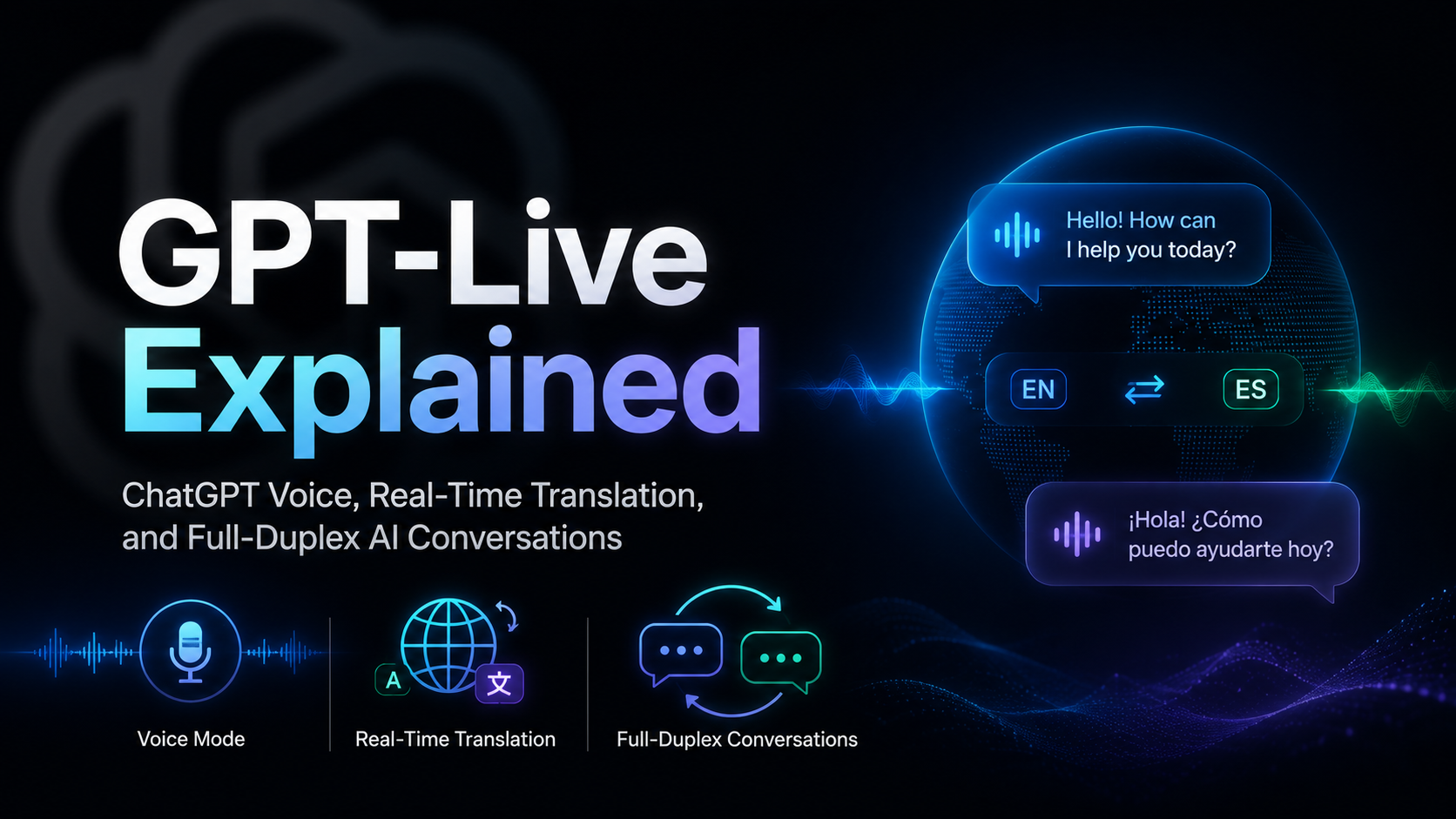
GPT-Live Explained: ChatGPT Voice, Real-Time Translation, and Full-Duplex AI Conversations
Introduction
OpenAI has introduced GPT-Live, a new generation of voice models powering a much more natural ChatGPT Voice experience. The biggest change is simple to describe but hard to build: ChatGPT can now listen and speak at the same time.
That matters because voice AI has always had one obvious weakness. It usually feels like a turn-based chatbot with a microphone attached. You speak, it waits, it thinks, and then it replies. If you pause for half a second, it may interrupt. If there is noise in the room, it may misunderstand the end of your sentence.
GPT-Live tries to move past that. It is designed for real-time back-and-forth conversation, live translation, better interruption handling, visual answer cards, and background delegation to stronger reasoning models when a question needs more work.
A New ChatGPT Voice Experience
The new ChatGPT Voice experience is built around three practical improvements: more natural conversation, smarter responses, and visual answers during voice chats.
1. More Natural Conversation
Older AI voice products often felt impressive for the first few minutes, then awkward after real use. The timing was the problem. The model had to guess whether the user was finished speaking, and that guess was usually based on silence.
GPT-Live is different because it uses a full-duplex architecture. In plain English, it can listen while it is talking. That lets the model handle interruptions, short pauses, and quick back-and-forth in a way that feels closer to human conversation.
It can also give small listening signals, such as brief acknowledgements, instead of staying completely silent until the end of a turn. This makes the conversation feel less like issuing commands and more like speaking with an active listener.
OpenAI also says ChatGPT's default voices have been remastered for GPT-Live, keeping the familiar voice options while making them better suited for the new interaction style.
2. Smarter Answers
Voice mode is no longer just a lighter, more limited version of ChatGPT. GPT-Live can delegate harder work to stronger models in the background.
For quick questions, the system can respond almost immediately. For more complex tasks, such as search-heavy questions, reasoning, or multi-step work, GPT-Live can keep the front-end voice conversation moving while another model handles the deeper task.
OpenAI describes the experience as having different levels of intelligence:
| Mode | Best For | Typical Experience |
|---|---|---|
| Instant | Weather, simple facts, casual conversation, quick translation | Fast response with minimal waiting |
| Medium | Questions that need more reasoning | Slightly slower but more thoughtful |
| High | Harder tasks, deeper analysis, more complex requests | More deliberate response with stronger reasoning |
This structure matters because not every voice question needs the same amount of reasoning. A live assistant should not spend extra time thinking when the user only asks for the weather. But when the user asks a complex question, it should be able to slow down and work properly.
3. Visual Answers While Speaking
GPT-Live also makes voice less isolated from the rest of ChatGPT. During a voice conversation, ChatGPT can show visual cards for certain topics such as weather, sports, maps, and other structured information.
This is useful because some answers are not best delivered as speech alone. A weather forecast, a match schedule, or a map result is easier to understand when it appears as a card while the conversation continues.
Voice also continues to support search, memory, images, and file uploads when those features are available for the user's account. That makes voice a more complete entry point into ChatGPT rather than a separate side feature.
A New AI Interaction Paradigm
If you used earlier versions of ChatGPT Voice, the experience probably felt exciting at first but limited over time. It could answer, but the interaction still felt mechanical.
The reason is architectural. Earlier voice systems were often built as a pipeline:
- Speech-to-text converts your voice into text.
- A large language model generates a text response.
- Text-to-speech reads that response aloud.
That design works, but it loses information along the way. Tone, emotion, hesitation, interruption, and rhythm can be flattened during transcription. It also adds latency at every step.
Advanced Voice Mode improved this by processing and generating audio more directly, but it still behaved like a turn-based system. It had to decide when your turn ended before it could properly respond. A short pause, a cough, or background noise could make the model jump in too early.
GPT-Live changes the interaction in two main ways.
Continuous Interaction: Speaking and Listening at the Same Time
The first change is continuous interaction. GPT-Live does not only process separated message turns. It continuously processes input while generating output.
That means it can make repeated decisions during the conversation:
- Should it keep listening?
- Should it answer now?
- Should it pause?
- Should it stop speaking because the user interrupted?
- Should it call a tool or delegate work to another model?
This is why live translation becomes more believable. A translation assistant needs extremely low latency and a good sense of timing. If the AI waits too long after every sentence, the conversation stops feeling live.
Delegation for Deeper Work: Front-End Conversation, Back-End Reasoning
The second change is task delegation. GPT-Live handles the real-time voice layer, while harder tasks can be passed to a stronger background model.
For example, if the user asks a question that needs web search or deeper reasoning, GPT-Live can continue the conversation while the background model searches, reasons, and prepares a better answer.
This is an important design direction for AI assistants. The best voice experience should feel immediate, but not shallow. GPT-Live tries to separate those two things: fast interaction in the front, deeper intelligence in the back.
Why Real-Time Translation Stands Out
The most eye-catching demo is real-time translation. Traditional translation tools often work like this: listen, stop, translate, speak. GPT-Live is closer to a live interpreter because it can follow a conversation as it happens.
This does not mean human interpreters are suddenly irrelevant. Professional interpretation still depends on context, domain knowledge, cultural sensitivity, and high-stakes accuracy. But it does mean casual multilingual conversations may become much easier for ordinary users.
For travel, customer support, language learning, international meetings, and daily communication, this kind of live voice interface could become a default behavior rather than a special tool.
Evaluations and Demonstrations
OpenAI says it created new human evaluations to measure two things that matter in voice interaction: pleasantness and conversational flow.
That is a useful shift. For voice AI, raw answer quality is only part of the experience. The model also needs to know when not to speak, when to acknowledge, when to wait, and when to continue.
OpenAI also reports gains in reasoning and agentic search compared with Advanced Voice Mode. The practical point is that GPT-Live is not only about sounding smoother. It is also meant to make voice a more capable way to use ChatGPT.
Safety Designed for Voice
Real-time voice introduces different safety problems from text chat. A model is speaking out loud, reacting quickly, and operating in a more emotionally direct medium.
OpenAI says GPT-Live includes dedicated voice safety training, red-teaming, and real-time safeguards. When unsafe content is detected, the system can steer the model toward a safer response, surface extra safety messaging, provide resources, or end the voice conversation in higher-risk cases.
The GPT-Live system card also notes that GPT-Live is designed for conversation, not voice impersonation. It uses predefined ChatGPT voices and includes safeguards to prevent imitating real people's voices.
Availability and Limitations
According to OpenAI, GPT-Live is rolling out globally across ChatGPT on iOS, Android, and ChatGPT.com.
GPT-Live-1 is intended for paid users, while GPT-Live-1 mini is the lighter model for free users. Availability can still vary by account, plan, app version, and region during rollout.
There are also limits. At launch, GPT-Live does not support video or screen sharing in ChatGPT Voice. Users who need those features may still need to use Advanced Voice Mode where available.
From Voice Commands to AI Conversation
For years, voice assistants were mostly command tools. You asked for a timer, a song, a weather report, or a simple fact. The interaction was short and rigid.
GPT-Live points toward something different. Voice becomes a primary interface, not just a shortcut. You can talk through a question, interrupt, ask for clarification, see visual cards, translate in real time, and let the system handle deeper work in the background.
That is why this release feels less like another voice feature and more like a shift in how people may use AI every day.
FAQ
What is GPT-Live?
GPT-Live is OpenAI's new generation of voice models for ChatGPT Voice. It is designed for more natural, real-time conversations where the model can listen and speak at the same time.
How is GPT-Live different from Advanced Voice Mode?
Advanced Voice Mode made voice conversations smoother than older turn-based systems, but it still depended heavily on turn detection. GPT-Live uses a full-duplex approach, so it can process input continuously while generating speech.
Can GPT-Live do real-time translation?
Yes. OpenAI describes live translation as one of the scenarios enabled by GPT-Live's continuous interaction design. The experience depends on language support, account availability, background noise, and rollout status.
Does GPT-Live use GPT-5.5?
OpenAI says GPT-Live can delegate deeper work to frontier models in the background and that, at launch, GPT-Live uses GPT-5.5 for this deeper work. Instant, Medium, and High modes control how much reasoning effort is used for harder questions.
Can ChatGPT Voice show visual answers?
Yes. ChatGPT Voice can show visual cards for supported topics such as weather, sports, maps, and other structured results. This makes voice more useful when the answer is easier to understand visually.
Is GPT-Live available to free users?
OpenAI says GPT-Live is rolling out globally and that Free users get GPT-Live-1 mini, while paid users get GPT-Live-1. Actual availability may vary by region, plan, app version, and account status.
Does GPT-Live support video or screen sharing?
Not at launch. OpenAI says Live does not initially support video or screen sharing, while those capabilities may still be available through Advanced Voice Mode for eligible users.
Is GPT-Live safe for sensitive conversations?
GPT-Live includes voice-specific safety testing and safeguards, but it can still make mistakes. For health, legal, financial, safety-critical, or time-sensitive questions, users should verify important information through reliable sources.
Related Tools
- ChatGPT: OpenAI's consumer AI assistant where ChatGPT Voice is available on supported accounts.
- GPT-Live: OpenAI's official release page for the new voice model family.
- ChatGPT Voice Help Center: Official guidance for using Voice, Live, Advanced Voice Mode, and related settings.
- GPT-Live System Card: OpenAI's safety and deployment documentation for GPT-Live.
- OpenAI Realtime API: Developer documentation for building real-time audio and conversational AI experiences.
- OpenAI API Docs: Official API documentation for OpenAI models, tools, and platform features.
Related Links
- Introducing GPT-Live: Official OpenAI announcement explaining GPT-Live, full-duplex interaction, and ChatGPT Voice updates.
- ChatGPT Voice: Official help article covering voice options, availability, settings, and limitations.
- GPT-Live System Card: Safety documentation for GPT-Live-1 and GPT-Live-1 mini.
- Realtime and Audio Guide: Developer guide for real-time audio sessions and speech-to-speech interactions.
- Realtime Conversations: Technical guide for building stateful real-time conversation sessions.
- Advancing Voice Intelligence with New Models in the API: OpenAI's earlier overview of real-time voice models for reasoning, translation, and transcription.
- QbitAI Original Article: Original Chinese source article that inspired this English adaptation.
Summary
GPT-Live makes ChatGPT Voice feel less like a turn-based voice assistant and more like a live conversation. The key shift is full-duplex interaction: the model can listen while speaking, handle interruptions more naturally, and support low-latency use cases such as real-time translation.
It also connects voice to deeper ChatGPT capabilities. Search, memory, images, visual cards, and background reasoning make voice a more complete way to use AI, not just a simplified mode.
The biggest limitation is that rollout and feature access may vary, and video or screen sharing is not part of Live at launch. Still, the direction is clear.
GPT-Live turns voice from a command interface into a real-time AI conversation layer.