Now That Copilot Is Becoming a Super App, Does the Official Website Still Need PDF, Excel, and Product Manual Downloads?
Copilot is bringing chat, search, documents, and agents into one single entry point. Does a corporate website still need PDF, Excel, and product manual downloads? The answer is not to remove them, but to upgrade these downloads into verifiable, citable, and convertible content assets.
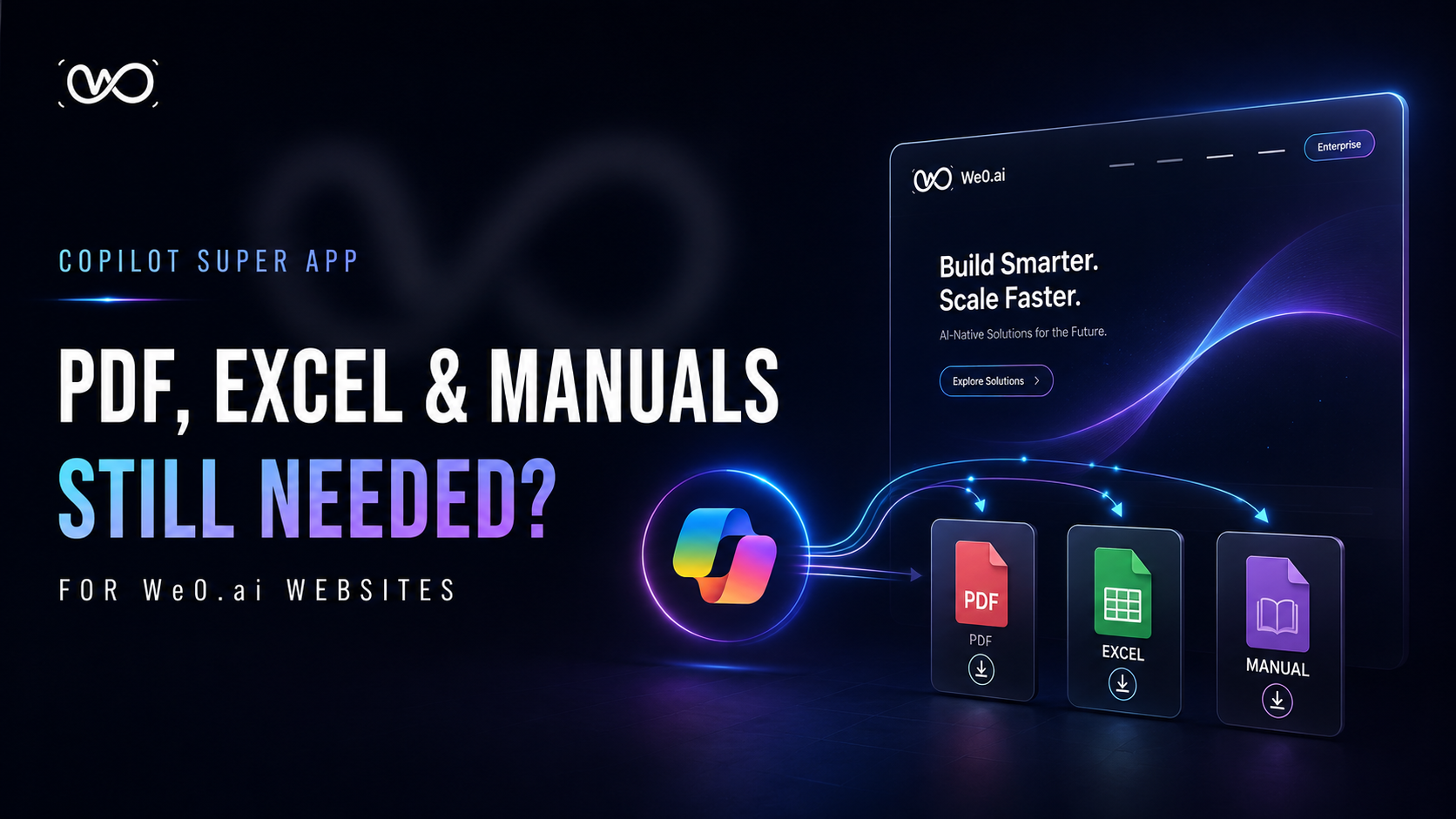
After Copilot Becomes a Super App, Does the Website Still Need to Offer PDF, Excel, and Product Manual Downloads?
Let's start with the conclusion: Yes, but don't treat the download section as just a row of "attachments" tucked away in a corner of the website.
Copilot-class products are consolidating chat, search, files, workflows, and agents into a single entry point. Users are increasingly accustomed to simply asking:
"Is this product suitable for a 200-person team?"
"Compared to Option A, what's the difference in deployment and pricing?"
"Turn this spec sheet into a procurement comparison."
So many teams naturally jump to a conclusion: since AI can summarize, why bother maintaining PDFs, Excel files, and product manuals on the website at all?
That conclusion is only half right.
AI can serve as a new discovery entry, explanation entry, and even an action entry; but in the critical leap of B2B decision-making, procurement, technical, legal, and executive stakeholders still need original materials that can be saved, forwarded, verified, and archived. Copilot can help people read documents, but that doesn't mean companies don't need to provide them.
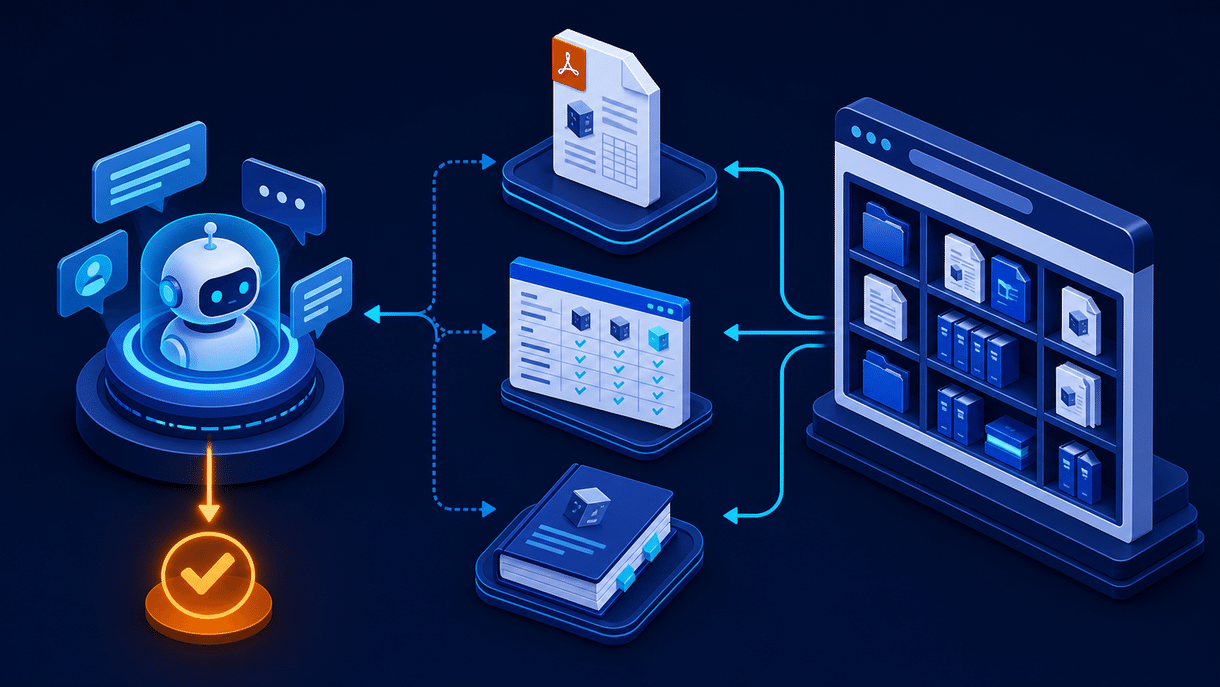
What's Really Changing Isn't "Whether to Download," but Where Materials Sit in the Funnel
The old typical path was: Search → Open website → Download PDF → Contact sales.
Now it's more like: Ask AI/search → Get a preliminary answer → Return to the website to verify → Download or export materials → Internal team evaluation → Consultation/procurement.
In Microsoft's official description of Microsoft 365 Copilot, Copilot Chat is positioned as an entry point that brings together chat, search, creation, and agents, with connectivity to Outlook, Word, Excel, PowerPoint, and OneNote. It certainly reduces people's patience for "digging through ten menus to find information."
But note this: Consolidated entry points don't mean the source of truth can disappear. The more convenient AI answers become, the more users will follow up with: Where's the source? Which version? Can this spec go into my procurement table?
| Legacy Download Materials | Role They Should Play in the Copilot Era |
|---|---|
| A PDF crammed with all information | Authoritative, versioned documentation that can be cited |
| Static Excel price list | Filterable, copyable, exportable decision data |
| One big product manual | A document hub and operational paths broken down by task |
| Lead magnet gated content | Signals for self-service research and high-intent identification |
Don't eliminate downloads. Eliminate the outdated, duplicated, unverifiable materials that no one can understand after downloading.
PDF, Excel, Product Manuals: Are Each Still Worth Keeping?
1. PDF: Keep It for "Confirmation" and "Forwarding," Not for Carrying All the Explanatory Weight
PDFs are still well-suited for white papers, compliance documentation, implementation scope, case study collections, and printable solution summaries. Their strength isn't in "being easy to read," but in format stability, ease of archiving, and resistance to distortion when forwarded across departments.
Google's official documentation explicitly lists PDF as an indexable encoded file format. This means PDFs aren't an SEO black hole; but they also shouldn't be the only content container. Core selling points, use cases, FAQs, pricing logic, and case summaries should still be clearly presented on HTML pages first, so that search engines, AI tools, and humans can quickly understand them.
Recommendation: Use web pages to explain decision logic, and PDFs for official versions. Link the two together—don't force a choice between them.
2. Excel: Keep It for "Comparison" and "Calculation"—Don't Use Screenshots as Data
Excel is best suited for configuration lists, model variations, regional/version support matrices, migration plans, cost calculation templates—especially content that procurement teams need to edit and repurpose.
AI can indeed extract trends, explain formulas, and generate charts from Excel. But precisely because of that, structured, clearly fielded, version-reliable Excel files matter even more. A parameter screenshot inside a PDF is hard to reliably reuse; a properly fielded spreadsheet can be filtered by humans and analyzed by tools like Copilot.
The key point is simple: don't treat "download Excel" as handing users a dead file. Provide: last updated date, applicable version, field descriptions, web preview, and links to related product pages.
3. Product Manuals: Definitely Keep Them, but Transform Them from a "Book" into a "Knowledge System"
Product manuals are the easiest to mistakenly delete. Teams will say: "Just let the AI Q&A handle it."
No. AI Q&A is good for finding your way around, but the manual is what paves the road. When users need to deploy, troubleshoot, configure permissions, verify APIs, or assess security boundaries, they need stable chapter structures, clear prerequisites, version history, and copyable steps—not a seemingly fluent answer that's hard to verify afterward.
The right approach isn't just uploading one 80-page PDF. Instead, build:
- A product overview page for first-time learners;
- A features/specs/integrations page for evaluators;
- Online documentation, changelogs, and troubleshooting pages for users;
- PDF, Excel, and printable manual downloads for internal stakeholders;
- Clear titles, summaries, page hierarchy, and accessible body text for AI and search engines.
That's what a website content layer consumable by both humans and AI looks like.
Don't Mistake "Frictionless Downloads" for "No Conversion Needed"
A survey Gartner released in 2025 noted that 61% of B2B buyers prefer an overall rep-free purchasing experience; at the same time, buyers still prefer interacting with sales when judging contextual questions like whether a product fits their company.
This is a practical reminder for websites: Don't hide materials, but don't let the connection go dead the moment a download completes.
Here's one way to design it:
| Content Type | Recommended Access Method | Next-Step Handoff |
|---|---|---|
| Basic specs, quick start guides, public case studies | Direct download | Link to product pages, online docs, comparison pages |
| ROI templates, implementation checklists, industry solution packs | Light-touch gating or email delivery | Offer custom calculations, schedule a consultation |
| Security white papers, deep architecture materials | Unlock based on sales stage | Security assessment, technical discussion entry points |
The point isn't "whether to use a form," but whether the friction matches the material's value and the buyer's stage. Forcing a form fill on even a two-page public product brief will only drive away users who've grown accustomed to fast self-service in the AI era.
What We0.ai Should Do: Turn the Download Center into a Growth Node, Not a File Repository
For SaaS, AI products, service companies, and companies going global, the website shouldn't just offer a "Resources" menu. Each piece of content needs to be placed into a complete path:
Build → Showcase → Grow → Leads
- Build: First, organize products, services, case studies, specs, and FAQs into a maintainable page structure.
- Showcase: Let web pages, PDFs, Excel files, and manuals each play their role, presenting one clear, verifiable set of brand information.
- Grow: Use topic pages, long-tail content, FAQs, changelogs, and resource pages to earn sustained SEO/GEO visibility.
- Leads: Use download behavior, page visits, and content-linked CTAs to identify who's just browsing and who's already moving into evaluation.
This is also why We0 AI shouldn't be understood merely as "generating a page." A truly valuable website is a system that continuously converts display content into search assets, trust assets, and lead-gen assets.
The more Copilot becomes a super app, the more the website needs to be a trusted source of information.
The entrance can be external, but the evidence, context, and conversion paths should stay in your own hands.
A Directly Actionable Asset Download Checklist
- Keep PDFs, Excel files, and manuals, but add version numbers, update dates, target audiences, and corresponding web pages to every file.
- Web first, files second: Every critical asset should have an indexable HTML summary page.
- Make files usable: Excel files should use standard fields; PDFs should be searchable with a table of contents; manuals should have chapter links.
- Don't duplicate content: Web pages are the dynamic interpretation layer; files are the formal delivery layer.
- Monitor asset behavior: Track which files are downloaded, which pages they're accessed from, and whether users continue to visit product or contact pages after downloading.
- Sync every product update: The website, sales scripts, PDFs, Excel files, and manuals must stay consistent. Gartner research also shows that 69% of B2B buyers have experienced inconsistencies between a company's website and its sales team—and that directly undermines trust.

FAQ
Copilot can read PDFs and Excel files directly—does the website still need download links?
Yes. AI's reading capabilities improve how efficiently assets are used, but users still need official, saveable, shareable source files with clear versions. The website should offer both web-based explanations and downloadable assets.
Do PDFs affect SEO?
PDFs can be indexed by Google, but they shouldn't replace core HTML pages. Put the core content on the web page, then offer the PDF as a download—this generally serves understanding, updates, and conversion better.
Which assets can be offered without a form?
Basic product introductions, public specifications, quick-start guides, and public case studies are typically fine to offer directly. High-value ROI templates, industry solution packs, or in-depth architecture materials can use light-touch gating based on buyer stage.
Should the product manual be online-only or PDF?
Both. The online version is better for continuous updates, search, and internal linking; the PDF is better for archiving, sharing, offline reading, and formal evaluations.
Related Tools
- We0 AI: Build a website that showcases, grows, and acquires customers
- Google Search Central: Indexable file types
- Microsoft 365 Copilot Adoption
Ready to Get Started?
If your website still follows the "launch and done" mindset, now is the time to rethink your asset center. Use We0 AI to connect product pages, case study pages, documentation pages, download pages, and continuous growth content into one operationalized customer acquisition pipeline.
Summary
Stop asking whether asset downloads should disappear. The real question is: have they already evolved from attachments into assets that AI can discover, buyers can verify, teams can share, and websites can continuously convert into growth?