Claude Code /design Lets Developers Prototype UI Before Writing Code
Anthropic is bringing a more explicit design-first workflow into Claude Code. On August 18, Anthropic product designer Nate Parrott announced an early preview of the /design comman
Claude Code /design Lets Developers Prototype UI Before Writing Code
Introduction
Anthropic is bringing a more explicit design-first workflow into Claude Code.
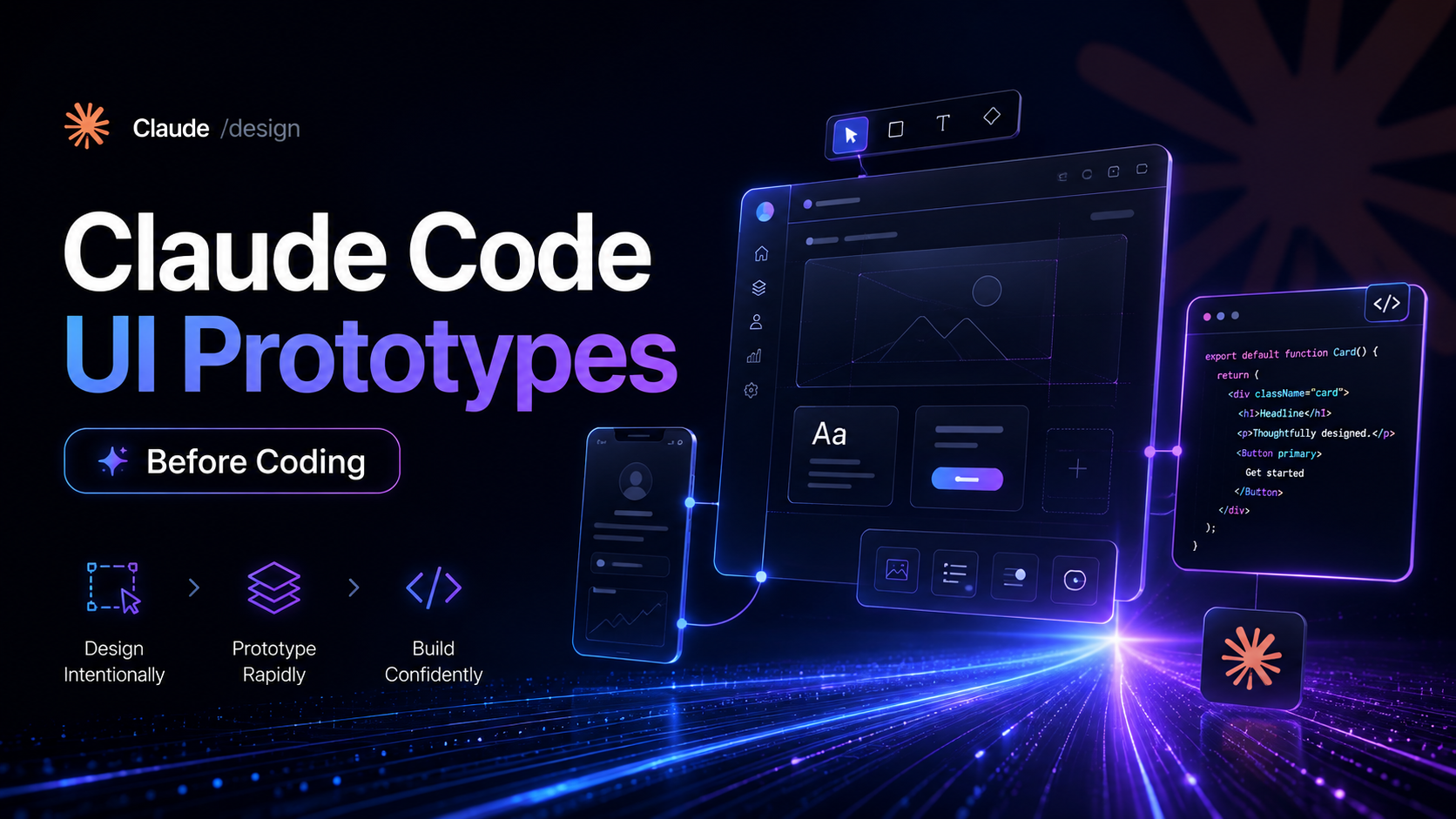
On August 18, Anthropic product designer Nate Parrott announced an early preview of the /design command for Claude Code. The idea is simple: instead of jumping directly from a feature request into implementation, developers can first ask Claude to generate several visual directions, compare them, edit the preferred option, and only then move into code.
The workflow is available from Claude Code Desktop or the CLI. A prompt can be as direct as:
/design a few options for {feature}
Claude can use the existing codebase as context, follow the project’s current UI style, and produce visual mockups that can be reviewed before implementation begins.
This is a small-looking command with a meaningful workflow change. Claude Code is no longer limited to reasoning about the interface through source files alone; it can now participate in the design decision that comes before the code change.
Create Several UI Directions Before Building
The most direct use of /design is to explore multiple interface options before touching production code.
For example:
/design a few options for the new analytics dashboard
Instead of immediately editing components, Claude can create several visual directions as artboards. The developer or product team can compare them, choose the strongest direction, make visual adjustments, and then continue into implementation.
A practical workflow looks like this:
- Open the project in Claude Code Desktop or start Claude Code from the project directory.
- Run
/designwith a description of the feature or interface you want to explore. - Ask for several options when the design direction is not yet decided.
- Review the generated artboards.
- Select the preferred version and refine it.
- Hand the chosen design back to Claude for implementation in the existing codebase.
This is especially useful when the team knows what a feature needs to do but has not yet decided how it should look.
Instead of producing one implementation and then redesigning it through repeated code changes, the visual decision can happen earlier.
Claude Reads the Existing Codebase and UI Style
The /design workflow is not intended to operate as an isolated image generator.
Claude Code already understands project files and can reason across an existing repository. In the design workflow, that codebase context can help Claude create mockups that better match the product it is extending.
That can include existing information such as:
- Component structure
- Layout patterns
- Typography choices
- Color usage
- Spacing conventions
- Existing navigation
- Reusable UI components
- Product-specific interaction patterns
Anthropic’s Claude Design documentation also supports importing design systems from repositories, design files, uploads, or local codebases. The /design-sync workflow can pull those components and styles into Claude Design so generated work starts closer to the real product system.
This matters because a generic AI-generated dashboard is easy to create. A new dashboard that actually looks like it belongs inside an existing product is much more useful.
From Artboard to Implementation
The key part of the new workflow is the handoff.
Traditionally, AI-assisted frontend work often follows one of two paths:
- Generate code first, then repeatedly adjust it until the interface looks right.
- Generate a mockup elsewhere, then manually translate that visual reference into code.
Claude Design and Claude Code are being connected so those two stages can share context.
Anthropic says users can move between design and code while keeping their work synchronized. A design can be created or edited in Claude Design, then handed to Claude Code for implementation without starting again from a screenshot.
The reverse direction is also supported: developers who prefer to begin inside Claude Code can use /design to create, edit, and sync design projects without leaving the terminal-centered workflow.
Conceptually, the loop becomes:
Feature idea
    ↓
/design
    ↓
Multiple UI artboards
    ↓
Choose and refine one direction
    ↓
Implement with Claude Code
    ↓
Review the working UI
    ↓
Continue refining if needed
That makes design exploration part of the engineering loop instead of a separate pre-development handoff.
Claude Design Is Now More Deeply Connected to Claude Code
The original report notes that design editing and prompting capabilities that previously lived more independently in Claude Design are being integrated more closely with Claude Code.
Anthropic’s current documentation describes Claude Design as a conversational design environment with a chat interface and visual canvas. Users can create interactive prototypes, presentations, layouts, and other design work, then refine the result through chat, inline comments, or direct canvas editing.
For teams with an existing design system, Claude Design can also work from real components rather than inventing a new visual language for every prototype.
Anthropic documents the following connection flow for teams using the Claude Design MCP server:
claude mcp add --scope user --transport http claude-design https://api.anthropic.com/v1/design/mcp
Then sign in from Claude Code with:
/design-login
For design-system synchronization, Anthropic documents:
/design-sync
These commands complement the /design workflow by connecting Claude Code with design projects and reusable design-system context.
Update Claude Code Before Testing the Latest Preview
Because /design is being actively developed, it is sensible to make sure Claude Code is current before testing the newest behavior.
Anthropic’s official setup documentation provides this update command:
claude update
You can verify the installed version with:
claude --version
Native Claude Code installations normally update automatically in the background, while package-manager installations may follow their own update process.
After updating, start Claude Code from the relevant project directory:
cd your-project
claude
Then try a design request such as:
/design a few options for the account settings page
The exact preview behavior may continue to change while Anthropic iterates on the feature.
Where /design Fits Best
The command is most useful when implementation is not the first unresolved problem.
For example, a developer may already know that a product needs a new settings panel, onboarding flow, analytics view, pricing page, or editor sidebar. The uncertain part is the layout and interaction design.
In that situation, immediately generating code can create unnecessary rework.
Using /design first lets the team compare alternatives before committing to component structure and styling decisions.
The workflow is particularly relevant for:
- New feature exploration
- Frontend redesigns
- Dashboard layouts
- Onboarding flows
- Settings screens
- Landing pages
- Internal tools
- Design-system-aware prototypes
- Rapid product experiments
It can also help developers who are comfortable implementing interfaces but do not want to manually sketch several visual directions before choosing one.
Important Limitations
Claude Design is still in beta, and Anthropic documents several limitations.
Large codebases may be better connected from Claude Code to avoid browser performance issues. Multi-person editing is still basic, and design-system quality depends heavily on the quality of the imported source material.
Generated prototypes also still need human review. A visually convincing interface may contain accessibility problems, unclear hierarchy, weak responsive behavior, or interaction assumptions that do not fit the product.
The strongest use of /design is therefore not “AI decides the interface.” It is “AI makes several plausible interface directions cheap enough to compare before engineering commits to one.”
常见问题
What is the Claude Code /design command?
/design is a Claude Code workflow for creating and editing visual design directions before implementation. Anthropic’s current materials describe it as a way to begin design work directly from Claude Code and move between design and production code with shared context.
Can /design generate multiple UI options?
Yes. Nate Parrott’s preview specifically demonstrates asking Claude for several options for a feature, then choosing a preferred artboard, editing it, and implementing it.
Does Claude Code use the existing codebase when designing?
That is part of the intended workflow. Claude Code can read the project repository, while Claude Design can also import design systems and codebase context so prototypes better match existing components and visual patterns.
Can I use /design from the terminal?
Yes. Anthropic describes Claude Design integration from Claude Code, and the preview announcement specifically references Claude Code Desktop and the CLI.
What is /design-sync used for?
/design-sync is used to synchronize design-system context between Claude Design and Claude Code. It helps Claude build with real components, styles, fonts, and patterns from an existing system.
Do I need the Claude Design MCP server?
Anthropic’s help documentation provides an MCP setup flow for creating and editing Claude Design projects from Claude Code. Availability and setup can depend on your current Claude Design and Claude Code environment, so the official documentation should be checked before deployment across a team.
How do I update Claude Code?
For native installations, Anthropic documents claude update as the manual update command. Package-manager installations such as Homebrew or WinGet may need to be upgraded through the relevant package manager.
Is Claude Design production-ready?
Claude Design is currently documented as a beta product. It is useful for prototyping and design-to-code workflows, but generated designs should still be reviewed for accessibility, responsive behavior, product requirements, and implementation quality.
相关工具
- Claude Code: Anthropic’s agentic coding environment for working with codebases from the terminal, desktop, IDE, and web.
- Claude Design: Anthropic’s conversational design environment for prototypes, layouts, presentations, and design-system-aware visual work.
- Claude Artifacts: Shareable, editable outputs created by Claude for apps, visualizations, tools, and other standalone content.
- Model Context Protocol: The integration layer Claude Code uses to connect with external tools and services, including Claude Design workflows.
- Claude Code Skills: Reusable instructions and workflows that can be invoked as slash commands inside Claude Code.
Related Links
- Nate Parrott’s
/designPreview: The Anthropic product designer’s early-preview announcement for/designin Claude Code. - Claude Design and Claude Code Integration: Anthropic’s official overview of moving between design and code with
/designand/design-sync. - Get Started with Claude Design: Official guidance for design projects, design systems, Claude Code integration, and the Claude Design MCP server.
- Claude Code Overview: Official installation and workflow documentation for Claude Code.
- Claude Code Setup and Updates: Official instructions for release channels, updates, installation, and version management.
- Claude Code Commands: Official reference for commands available inside Claude Code sessions.
Summary
Anthropic’s /design workflow brings visual exploration closer to the point where developers actually build a feature. Instead of implementing the first idea immediately, Claude Code can help generate multiple UI directions, let the user select and refine one, and then continue into implementation with the project context still available.
The deeper value comes from the connection between Claude Design and Claude Code. Existing codebases and design systems can provide context, while /design, /design-sync, and the Claude Design integration reduce the traditional gap between mockup and implementation.
The practical change is simple: before asking Claude Code to build the interface, you can now ask it to show you what the interface should be.