With Canva AI 2.0 Now Automatically Understanding Brands, How Can Enterprises Turn Brand Kit into a True We0.ai Website Design System?
Many teams are reacting the same way: "Great, AI can already understand brands, so shouldn't it also be able to unify our website effortlessly?" It sounds right. But in reality, it's only half true. What capabilities like Canva AI 2.0 truly change is the first step: brand expression becomes faster.
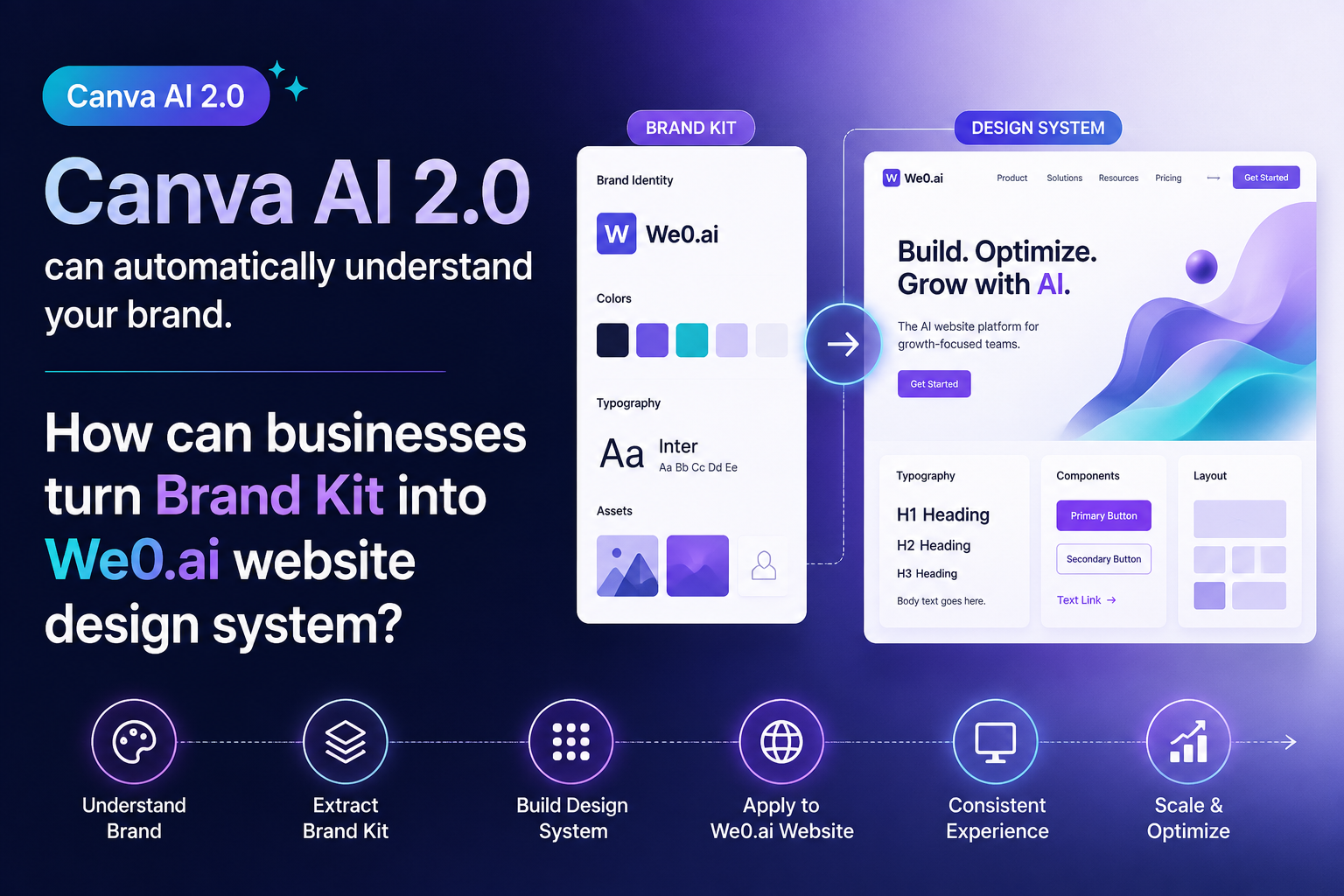
Canva AI Can Now "Understand" Brands—But That's Only Half the Journey
Many teams are reacting the same way right now:
"Great, AI already understands our brand—so can it just unify the website too?"
Sounds right. In reality, it's only half right.
What capabilities like Canva AI 2.0 truly change is the first step: brand expression becomes faster. You no longer need to explain "what colors, what tone, what layout, what style" from scratch every time. AI can read your Brand Kit first, then deliver assets that more closely match your brand identity.
But here's the problem.
A Brand Kit is not a website design system.
It's more like a box of colored parts. It can unify the feel, but it can't directly solve page structure, information hierarchy, conversion paths, or SEO page expansion.
In other words, Canva solves for "visual consistency," but a real website needs:
- Structural consistency
- Component consistency
- Content consistency
- Conversion consistency
- Growth consistency
That's the critical step from Brand Kit to website design system.
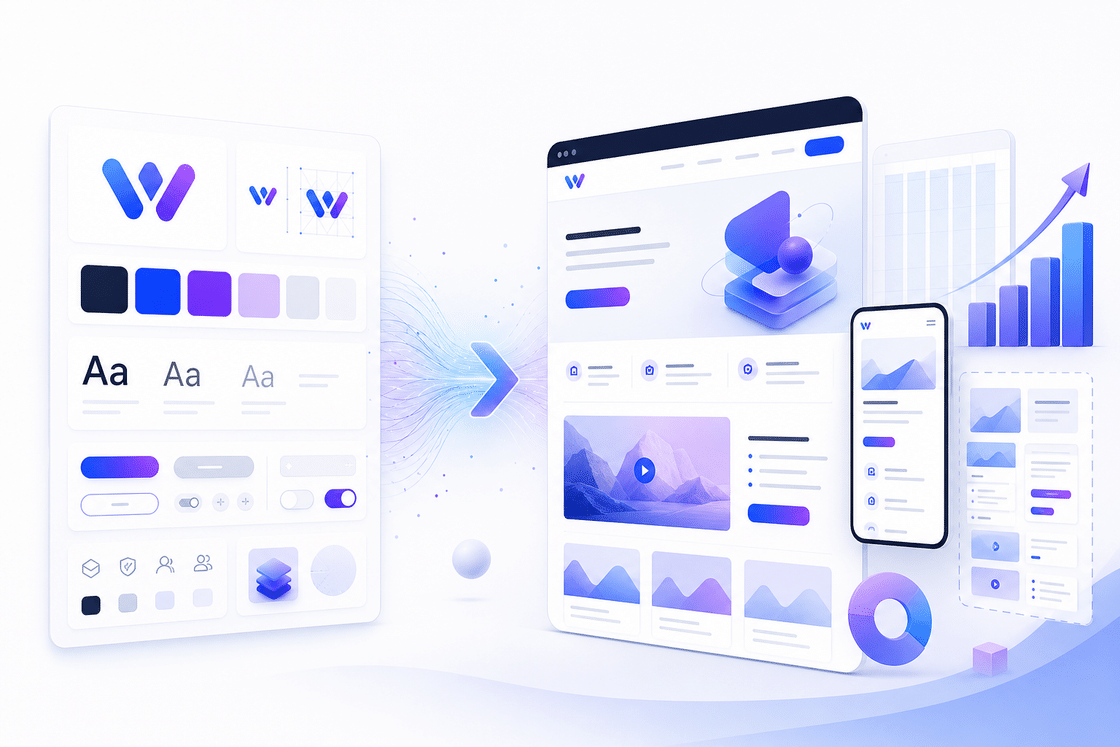
Brand Kit, Design System, and Website Growth System Are Not the Same Thing
| Level | What It Solves | Who It's For | Common Outcome |
|---|---|---|---|
| Brand Kit | Colors, fonts, logo, tone of voice | Design/Brand teams | Looks consistent |
| Design System | Components, spacing, buttons, blocks, page rules | Product/Website teams | Feels consistent to use |
| Website Growth System | Page structure, content templates, SEO, conversion paths, data optimization | Growth/Business teams | Continuously generates traffic and leads |
Many companies get stuck precisely at the middle layer.
They have a Brand Kit but no Design System.
They have visual guidelines but no website growth guidelines.
They have "looking good" but not "sustainable customer acquisition."
That's why, in the AI era, a website can't just rely on "generating an image or building a page."
What needs to happen is: transforming brand assets into reusable website assets.
The Real Approach: Break Your Brand Kit into Executable Design Rules First
If you want to truly turn your Canva brand assets into a website system, don't rush into building pages.
Do these 4 things first:
1) Break brand visuals into tokens
Not "we use blue," but break it down into:
- Primary / Secondary / Alert colors
- Heading font size / Body font size / Caption font size
- Border radius / Spacing / Shadows
- Icon style / Illustration style / Card style
- Button style / Hover states / CTA style
This step feels mundane, but it's the most important.
Because a website isn't a poster—a website is a system.
2) Break brand tone into page copy rules
Even "professional" means different things—some brands are restrained, others are assertive.
You need to define:
- How the homepage headline speaks
- How feature pages speak
- How case study pages speak
- How pricing pages speak
- How CTAs speak
Without copy rules, a brand's pages will inevitably drift apart.
3) Break pages into reusable modules
Don't just build one-off pages.
Build a module library:
- Hero
- Feature grid
- Social proof
- Case block
- FAQ
- CTA block
- Comparison table
- Pricing strip
This way, whether you're adding landing pages, campaign pages, or long-tail SEO pages later, you can assemble them directly.
4) Tie modules to growth goals
This step is the most overlooked.
Don't just ask "does this component look good?"—ask:
- Does it increase dwell time?
- Does it reduce bounce rate?
- Does it capture search intent?
- Does it guide visitors toward leads?
A website design system ultimately serves growth, not aesthetics.
Why We0.ai Is Better Suited for This
This isn't just about "building a website."
We0.ai is better suited for taking this entire chain and turning it into a fully operational showcase website:
Build -> Showcase -> Grow -> Leads
Its focus isn't "generating a page"—it's:
- Organizing brand information clearly
- Structuring the page architecture
- Laying the SEO / GEO foundation
- Keeping content updates running
- Connecting the lead pathway
- Setting up ongoing optimization
This is fundamentally different from simply generating images or AI-generated web pages.
The former builds assets; the latter just produces outputs.
If a website only "looks like the brand" but can't continuously capture search traffic, content traffic, or branded keyword traffic, it will quickly become a static business card.
What We0.ai is trying to solve is:
How to turn a Brand Kit into a maintainable, scalable, growth-driven website system.
What's the Most Reliable Path for Enterprise Implementation?
Step 1: Define the website's "system boundaries" first
Don't jump straight into building.
First define:
- Is this a brand website or a product website?
- Is this a showcase site or a lead-generation site?
- How many core pages are needed?
- Which pages will need SEO in the future?
Without clear boundaries, things will get messy later.
Step 2: Turn the Brand Kit into a page component library
Map your Canva brand assets to website components:
- Logo → Header / Footer
- Primary color → CTAs / Accent colors
- Typography → Heading hierarchy
- Illustrations → Empty states / Explanatory visuals / Hero images
- Layout style → Page grid and whitespace
Step 3: Build a "replicable" website template set first
Don't just design the homepage.
Build:
- Homepage
- Product page
- Service page
- Case study page
- FAQ page
- Conversion page
Once this template set exists, you'll have room to scale.
Step 4: Connect content and growth
This step determines whether the website becomes an asset.
You need:
- Branded keyword placement
- Long-tail keyword pages
- Content update mechanisms
- CTA position optimization
- Data monitoring
- Monthly reviews
A website system without a growth layer is just a design system.
With a growth layer, it becomes a business system.
What Does This Shift Mean for Enterprises?
In the past, building a website often looked like:
"Brand provides visuals, design makes a homepage, development ships it, done."
That no longer works.
Because AI has already pushed "building things fast" to a very low bar.
What truly creates differentiation are the three things that come after:
- Who can make brand expression more consistent
- Who can make page structure clearer
- Who can turn the website into a long-term customer acquisition asset
That's also why the Brand Kit is a starting point, not the finish line.
Canva AI 2.0 makes brand understanding faster, while a website growth platform like We0.ai takes that understanding and turns it into an actual website system, content system, and growth system.
Speed isn't valuable.
Consistently delivering results is what's valuable.
FAQ
1. Brand Kit vs. Design System
What's the difference?
Brand Kit addresses brand consistency, while Design System handles page reuse and component consistency. The former leans toward visuals, the latter toward systems.
2. Can Canva AI directly replace an official website design system?
No. It can help you generate brand-aligned assets faster, but a website system still needs to account for structure, content, SEO, conversion, and maintenance.
3. Why should companies turn their official website into a design system?
Because an official website isn't a one-off project—it's a long-term customer acquisition asset. Once systematized, scaling pages, running campaigns, and doing SEO all become faster.
4. What types of official websites is We0.ai best suited for?
It's best suited for sites that need continuous growth: showcase websites, product pages, service pages, case study pages, launch pages, and inquiry pages.
5. Can a design system and a growth system be combined?
Yes, and they should be combined. There are plenty of good-looking websites, but not many that consistently generate leads.
Related Tools
Reference Sources
Ready to Get Started?
If you already have a Brand Kit, don't rush into "building another version of the website."
Think about one thing first: Can your brand assets become a website system that's truly launch-ready, reusable, and growth-oriented?
If not, that means what you're missing isn't design—it's system.
Summary
Canva AI 2.0 makes brand understanding easier.
But what companies truly need to do isn't to stop at "AI can generate images for me"—it's to keep going: turn Brand Kit into website rules, and turn website rules into growth assets.
That's where We0.ai delivers more value.
It doesn't just help you build a page—it helps you turn your website into a system that continuously showcases, optimizes, and acquires customers.