Anthropic Knowledge Work Plugins Guide
Learn what Anthropic Knowledge Work Plugins are, how to install them in Claude Code, and how role-based AI workflows work.
At the beginning of this year, Anthropic released Claude Cowork.
Its positioning is straightforward: Claude Code for the rest of your work. In other words, Anthropic is taking AI Agent capabilities that used to feel developer-first and bringing them to a much wider group of knowledge workers.
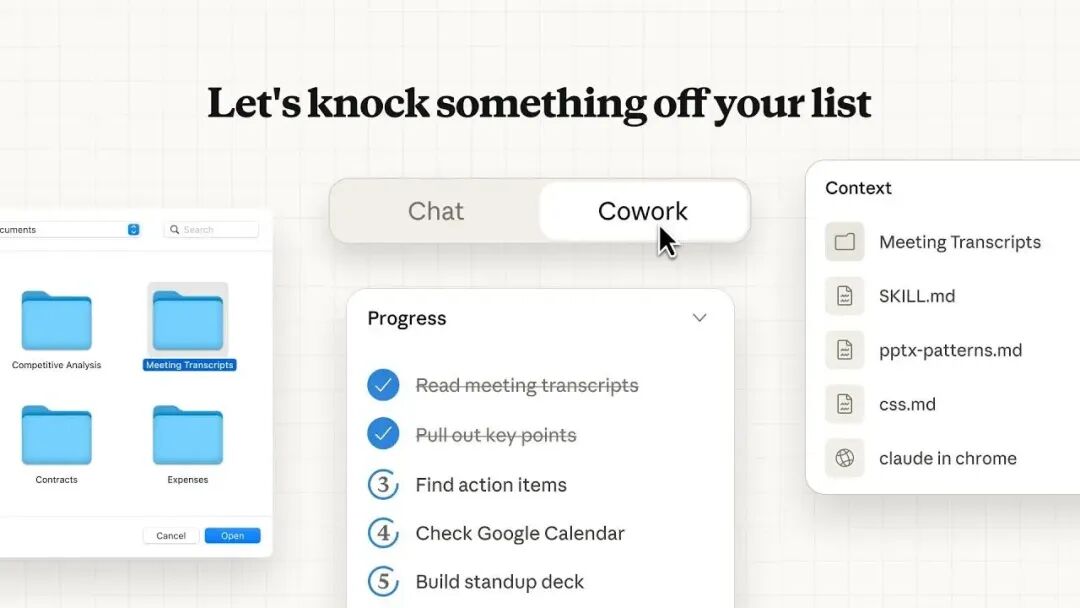
The direction has already influenced the industry. In the past few months, many Agent products have started to borrow ideas from Cowork’s product shape and workflow design.
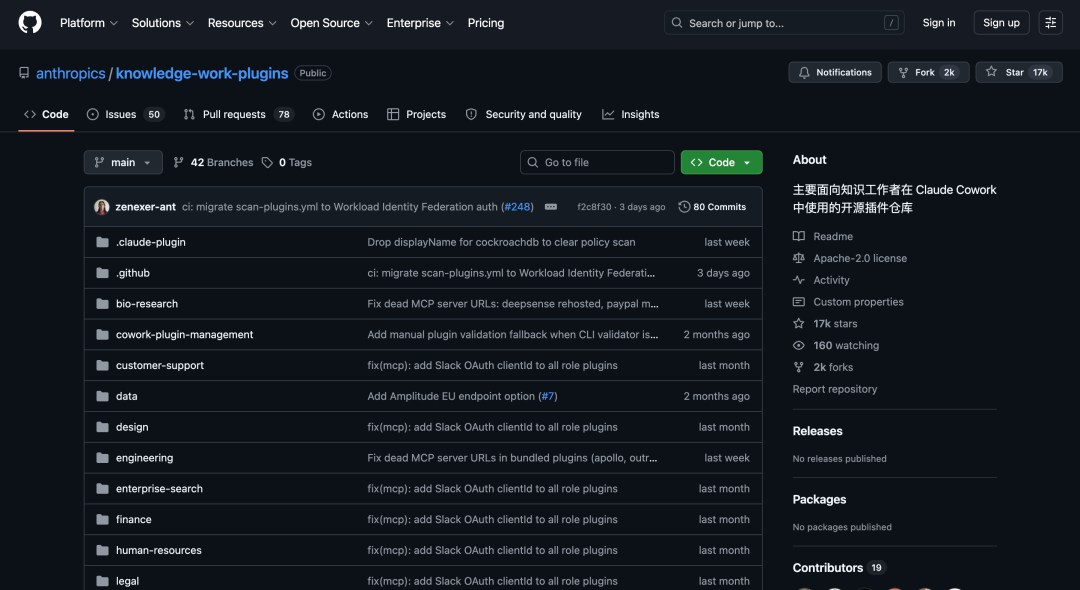
While browsing GitHub, I found an open-source project called Knowledge Work Plugins. It is Anthropic’s official open-source plugin library for Claude Cowork, and it has already reached 17K+ stars.
01 Project Overview
Knowledge Work Plugins covers more than a dozen role-based directions, including product, sales, customer support, legal, finance, engineering, design, HR, operations, data analysis, and biological research.
Basically, it has prepared plugins for many common knowledge-work roles in an office.
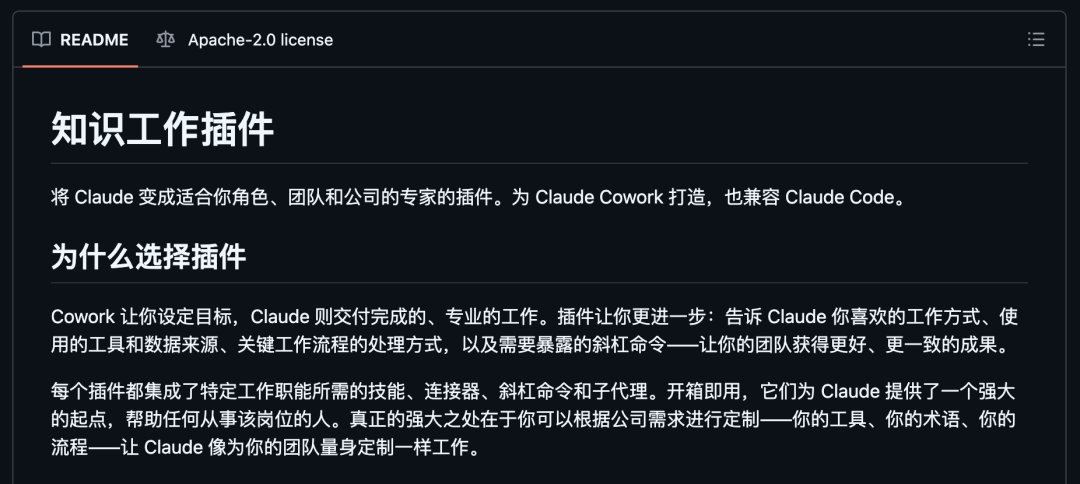
The plugin library is mainly designed for Claude Cowork, but it also works with Claude Code. For Claude Code users, two commands can add a new layer of role-specific workflows to the terminal.
The design is also interesting: pure Markdown + JSON, no code, no infrastructure, and easy customization by editing files. Anthropic has packaged a set of internal workflow configurations and released them as open-source plugins.
Project: github.com/anthropics/knowledge-work-pluginsReady-to-use role experts
Each plugin usually packages three types of capabilities:
Skills: domain knowledge that Claude can automatically call in relevant situations.
Commands: slash commands that you can trigger directly.
Connectors: external tool integrations through MCP, connecting CRM, project management, analytics, and other tools.
Once installed, you can start using the workflow without building prompts and processes from scratch.
File-driven and fully customizable
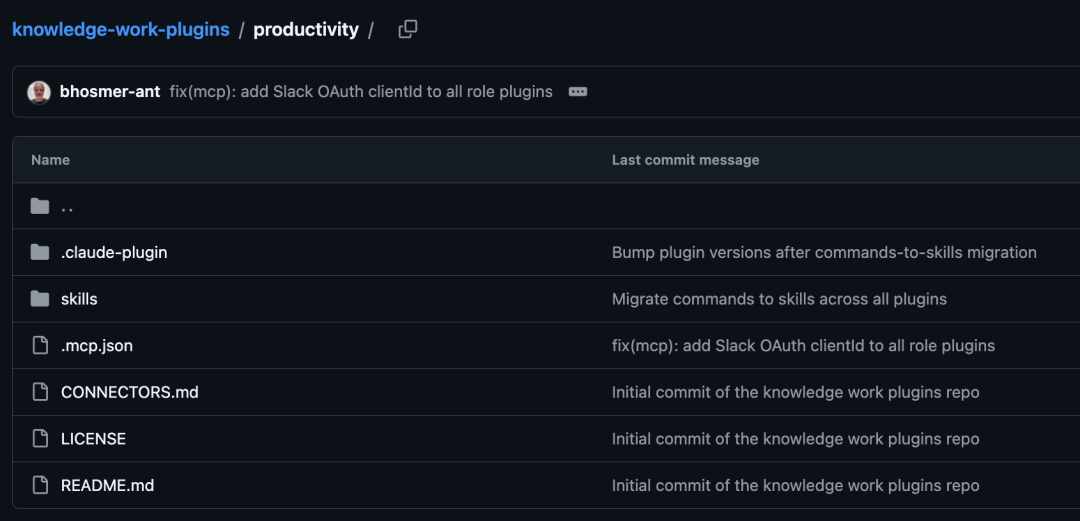
All plugins are essentially Markdown and JSON files.
You can replace company terminology, adjust workflows, swap tool connections, or build a new plugin for your own role. This is especially useful for teams that want to turn internal knowledge into reusable operating procedures.
If you are working on showcase websites, SEO content growth, or lead conversion, an AI showcase website growth platform like We0.ai can also learn from this “role + workflow + tool connection” structure. Content production, case study organization, SEO auditing, and lead follow-up can all become repeatable AI-assisted workflows.
02 A Closer Look at the Plugins
Here are several plugins worth looking at first.
engineering
The engineering plugin includes 6 commands and 6 skills.
It covers standup updates, code review, structured debugging, architecture decisions, incident response, and deployment checklists.
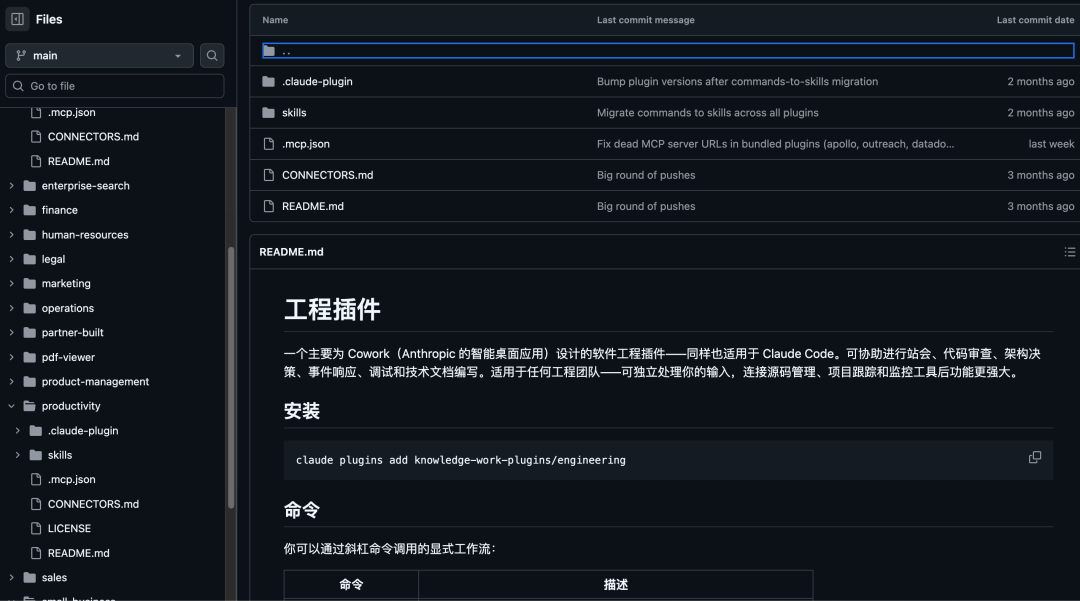
After connecting GitHub, Jira, and Datadog, it can pull data automatically. Even without external integrations, you can still paste a diff and run a code review.
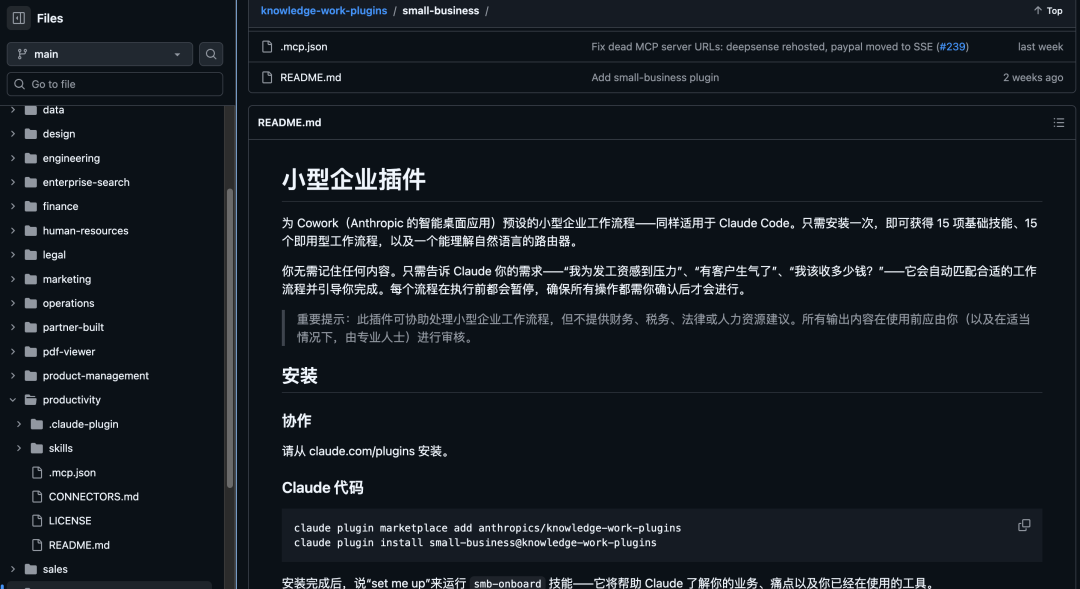
small-business
This is one of the most packed plugins.
It includes 15 skills and 15 workflows, covering cash flow forecasting, payment collection, pricing analysis, tax preparation, marketing planning, CRM cleanup, contract review, and customer complaint handling.
You describe what you need in plain language, and the workflow can be triggered. With QuickBooks, HubSpot, and Canva connected, it becomes something close to a lightweight operations team for small business owners.
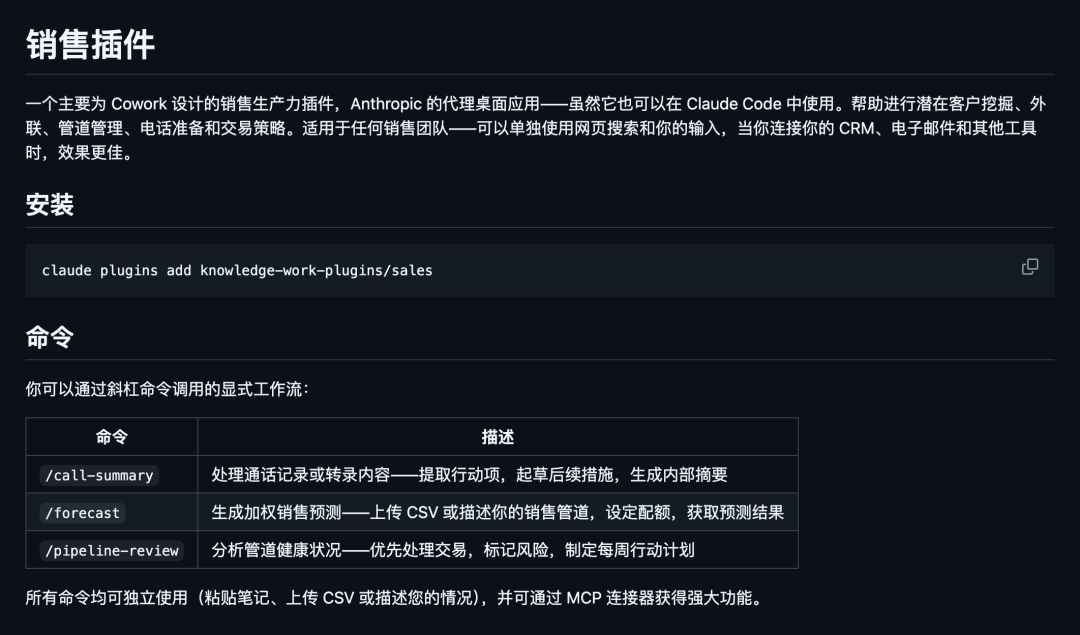
sales
The sales plugin covers account research, pre-call preparation, competitive battlecards, outbound email drafts, pipeline review, and daily briefings.
It can connect to HubSpot, Close, Clay, ZoomInfo, and Fireflies, bringing together common research and writing tasks for sales teams.
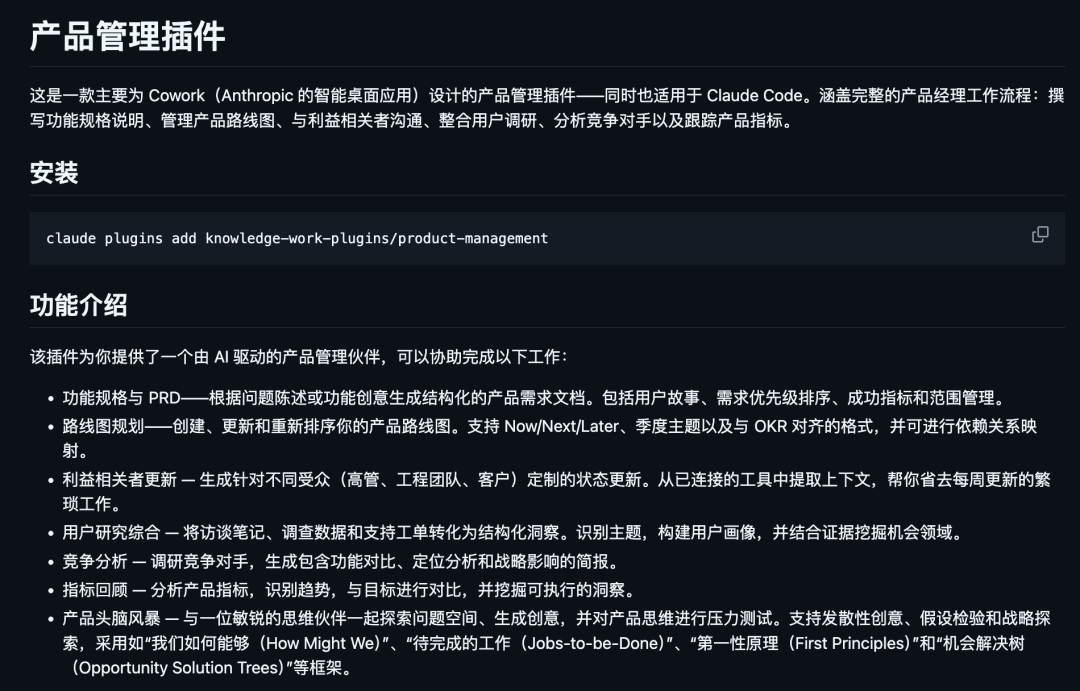
product-management
The product-management plugin is useful for product managers.
It can help draft PRDs, organize roadmaps, run user research, and track competitors. With Linear, Figma, Amplitude, and Pendo connected, it covers much of a product manager’s daily output.
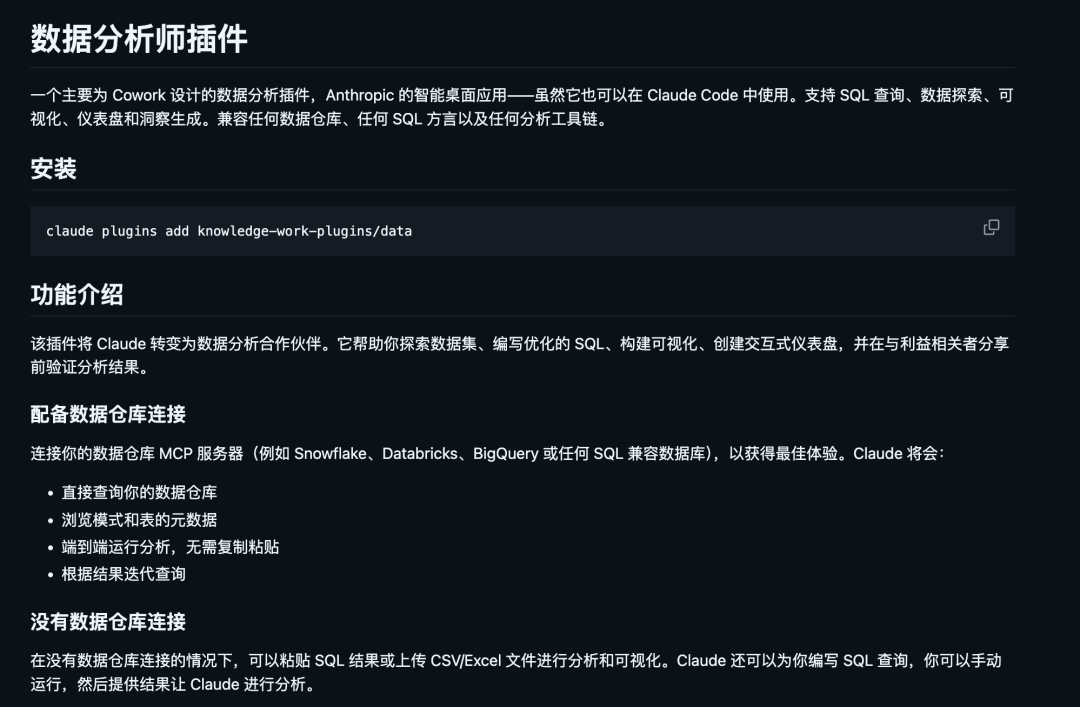
data
The data plugin targets analytics workflows.
You tell Claude what you want to understand, and it can help write SQL. After running analysis, it can also help organize visualizations and dashboards. If the data is messy, it can assist with validation as well.
productivity
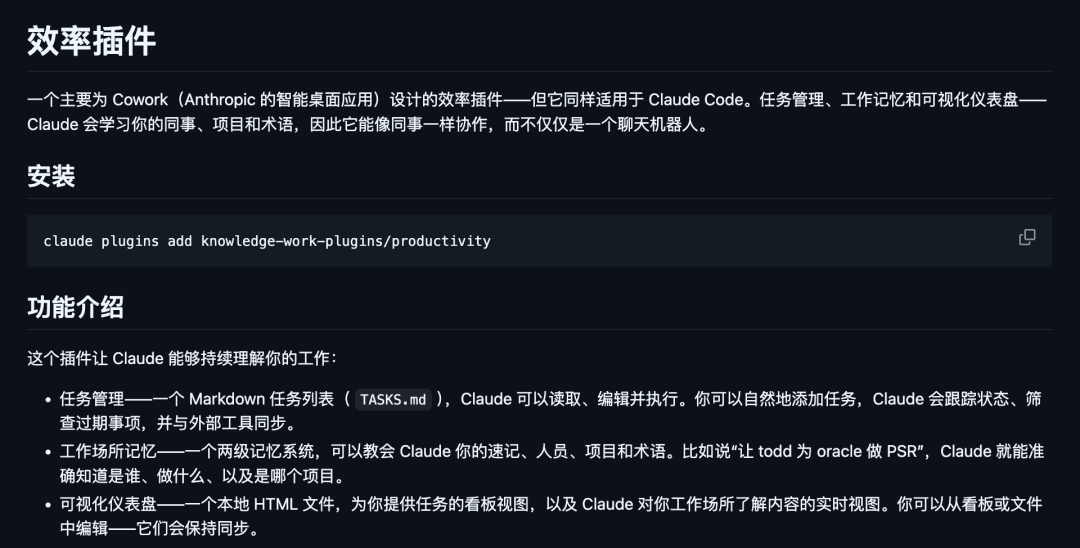
The productivity plugin focuses on personal workflow management.
It covers task management, calendar coordination, daily workflows, and personal memory management, with support for Slack, Notion, Asana, Linear, Jira, and ClickUp.
Its value is helping Claude retain more work context, so you do not need to explain everything from scratch every time.
marketing
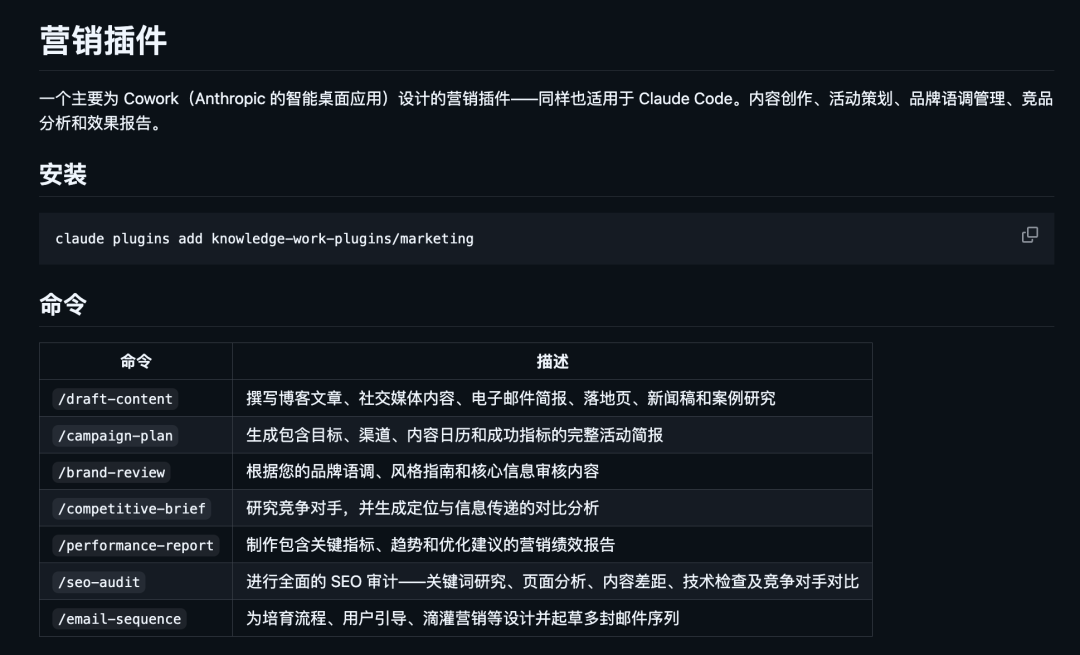
The marketing plugin packages many common marketing tasks into workflows.
It includes content creation, campaign planning, brand review, SEO audits, competitor briefs, and channel performance reports. It can also connect to Canva, HubSpot, Ahrefs, and SimilarWeb.
For website growth work, this plugin is especially worth studying. A showcase website is not just a page builder result. It should connect Build -> Showcase -> Grow -> Leads, combining SEO/GEO, content templates, case studies, and lead capture.
Other plugins at a glance
legal: contract review, NDA sorting, compliance checks, risk assessment
finance: journal entries, reconciliation, financial report generation, variance analysis, audit support
bio-research: literature search, genome analysis, target prioritization, with PubMed, ChEMBL, and Benchling integrations
enterprise-search: search across email, chats, documents, and wikis in one prompt
design: design review, accessibility review, design systems, UX copy
human-resources: compensation analysis, interview preparation, onboarding, performance reviews
operations: capacity planning, change management, process documentation, runbooks
pdf-viewer: open, annotate, fill, and sign PDFs
cowork-plugin-management: create or customize plugins
03 How to Install
For Claude Code users, two commands are enough:
# Add the plugin marketplace first
claude plugin marketplace add anthropics/knowledge-work-plugins
# Then install the plugin you want
claude plugin install engineering@knowledge-work-plugins
Cowork users can simply browse and install plugins from claude.com/plugins.
After installation, Skills can be triggered automatically in relevant contexts, and slash commands can be used directly, such as /sales:call-prep and /data:write-query.
04 Takeaway
Knowledge Work Plugins is Anthropic’s open-source experiment in moving AI from a general chatbot toward role-specific work tools.
The library includes more than 20 plugins across roles from engineers to small business owners, and everything is based on customizable text files.
Many connectors are built around tools more common outside China, but the product idea is worth learning from: break role knowledge, repeatable processes, and tool calls into reusable plugins, so AI becomes part of daily workflows instead of just a chat window.
If you are using We0.ai to build a showcase website, or if you want to connect products, services, case studies, SEO content, and lead management, this structure is also useful: standardize your growth actions first, then let AI help produce, check, and optimize each step.