2026 AI Coding Tools Compared: Claude Code vs Cursor vs GitHub Copilot
A practical 2026 comparison of Claude Code, Cursor, and GitHub Copilot across code understanding, completion quality, response speed, context handling, pricing, ecosystem fit, workflow design, and safe cost control. This guide helps developers choose the right AI coding tool by task type instead of following hype.

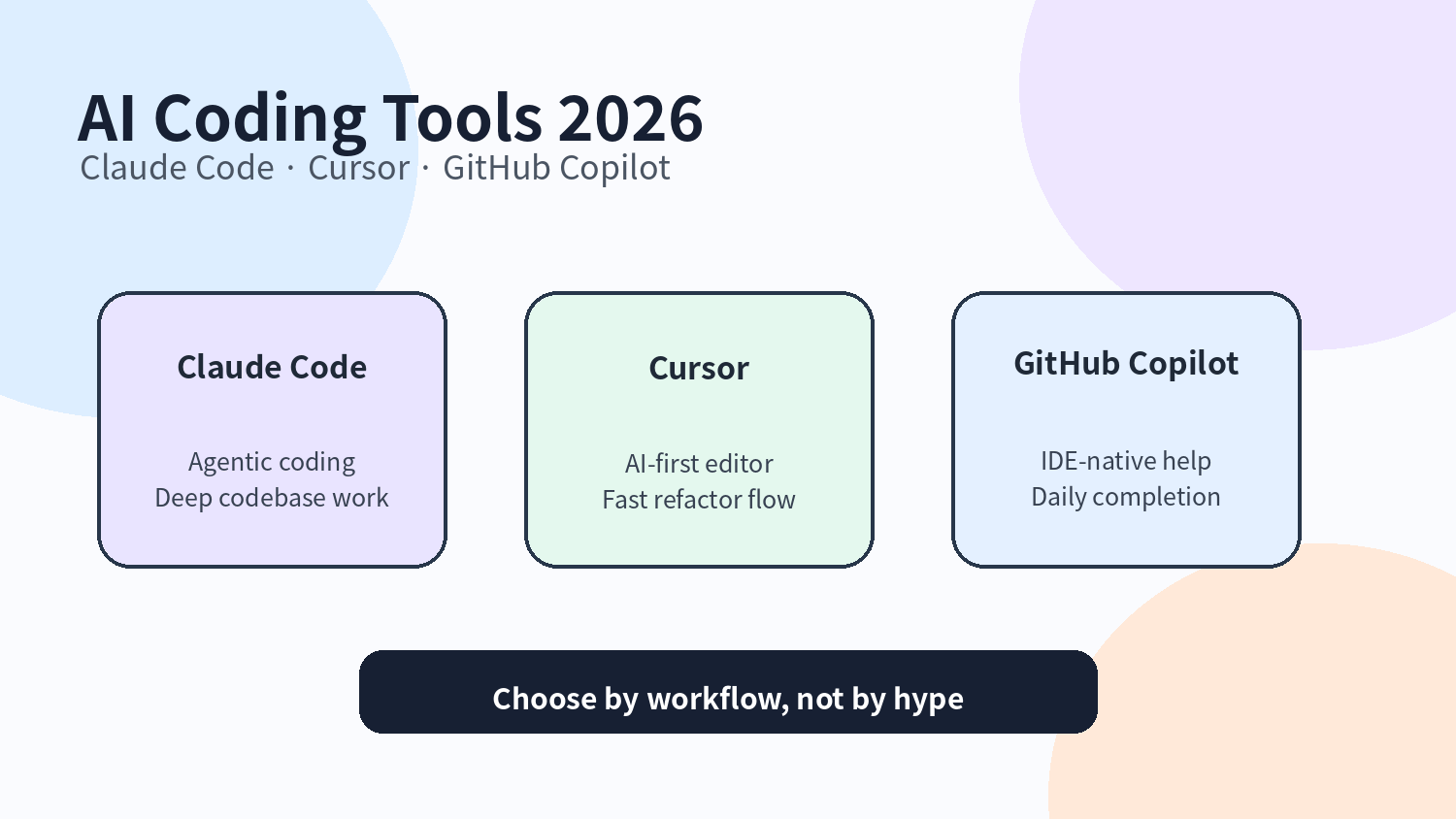
Original illustration: three types of AI coding tools
AI coding tools have moved from “plugins that write a few lines” into the everyday developer workflow.
A few years ago, most comparisons focused on completion accuracy and response speed. In 2026, that is no longer enough. The real productivity difference comes from whether the tool understands your project, fits your IDE or terminal workflow, controls cost, reduces rework, and keeps enough context for complex tasks.
This guide compares three mainstream options: GitHub Copilot, Cursor, and Claude Code. They are not the same kind of product. They all help developers write code, but they fit very different workflows.
Quick takeaway: choose by workflow, not hype
Tool | Best use case | Core judgment |
GitHub Copilot | Daily completion, boilerplate, lightweight IDE help | Most natural for frequent low-complexity work |
Cursor | Cross-file edits, refactoring, AI-first editor work | Strong project-context experience for medium-complexity tasks |
Claude Code | Codebase understanding, architecture analysis, CLI agent workflows | Strong for deep reasoning and long tasks, but cost and speed need management |
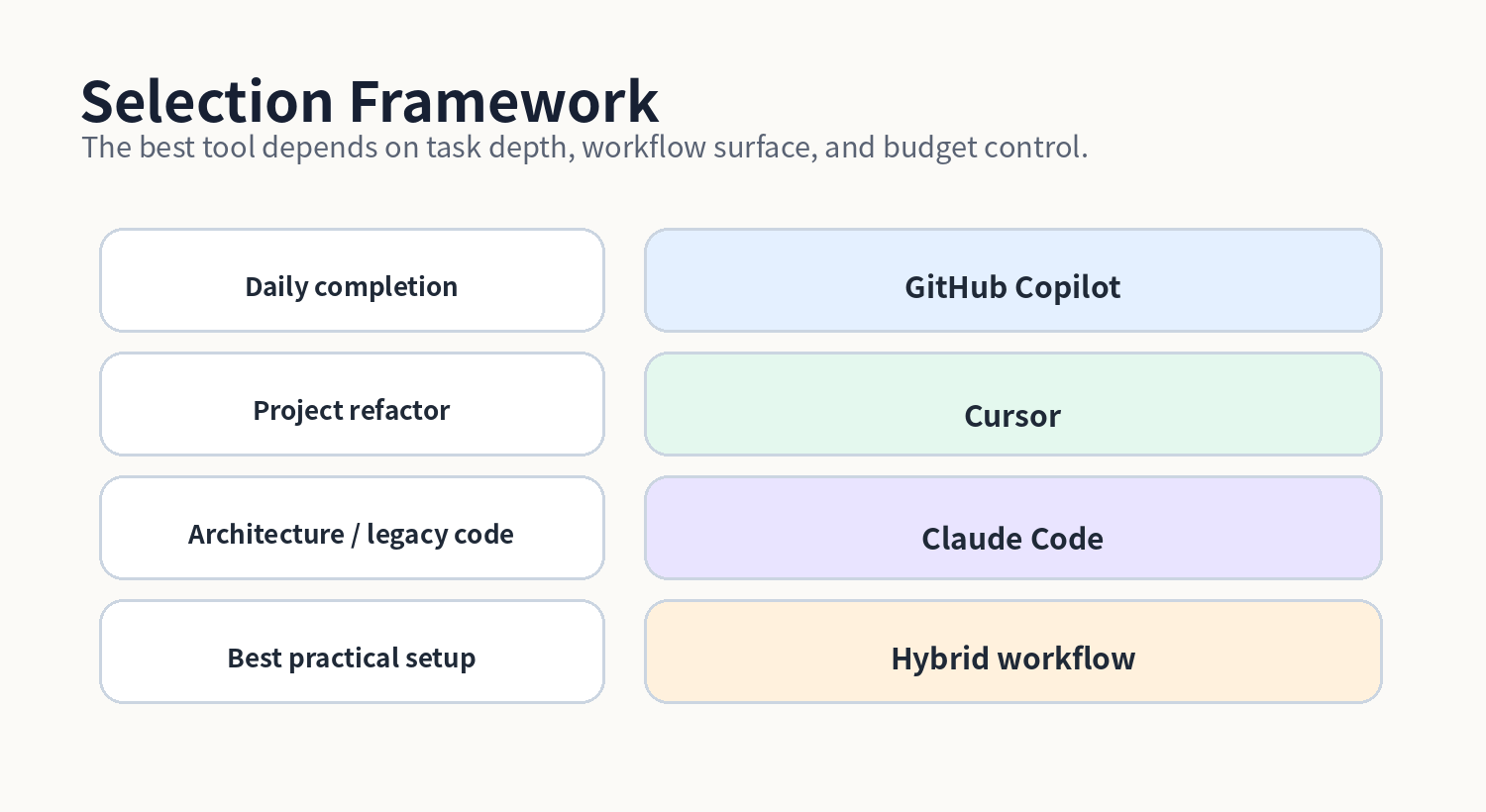
Use Copilot when you mainly need fast in-flow completion. Use Cursor when you want project-level edits inside an AI-first editor. Use Claude Code when you need to understand legacy systems, break down hard tasks, or reason at architecture level.
Original illustration: choose tools by task depth
1. These tools have different product positions
GitHub Copilot is the most typical IDE-native coding copilot. Its value is not a dramatic agent story, but the fact that it is always beside you while you code. Completion, next edit suggestions, explanations, simple refactors, and GitHub ecosystem integration are its stable strengths.
Cursor is closer to an AI-first editor. It does not simply add a chat box to a traditional IDE. It combines codebase indexing, conversational edits, cross-file context, Tab completion, and Agent mode into one editor experience.
Claude Code is more like an engineering agent in the terminal. Anthropic describes Claude Code as an agentic coding tool that reads your codebase, edits files, runs commands, and integrates with development tools. That means it can participate in the workflow itself, not just suggest answers.
Dimension | GitHub Copilot | Cursor | Claude Code |
Entry point | VS Code, JetBrains, GitHub, and related IDE surfaces | Standalone AI editor with familiar VS Code habits | Terminal, IDE, desktop app, and browser surfaces |
Interaction model | Completion + chat + code suggestions | Editor chat + Tab + Agent | CLI/agent loop + files and command execution |
Main strength | Natural, fast, low learning cost | Smooth project-level edits | Deep task execution and codebase reasoning |
2. Code understanding: Claude Code is better for complex projects
Code understanding is not just asking an AI what a function means. Real understanding means tracing cross-file calls, recognizing project conventions, spotting hidden dependencies, and explaining change risk.
Tool | Depth | Best for | Judgment |
GitHub Copilot | Medium | Local functions, common business logic, boilerplate | Good for daily work, but not enough for full-system reasoning |
Cursor | Strong | Cross-file refactors, component relationships, codebase Q&A | Friendly for medium-to-large projects |
Claude Code | Very strong | Legacy systems, complex architecture, long task decomposition | Better when a task must move from understanding to editing and validation |
Copilot is valuable because it is immediate. Cursor is valuable because it has stronger project awareness. Claude Code is valuable because it behaves more like a task agent: it can read, edit, run commands, and continue.
3. Completion quality: Copilot and Cursor feel smoother, Claude Code is more task-oriented
For cursor-level completion, Copilot and Cursor still fit the traditional coding rhythm better. They reduce interruption and feel closer to normal typing.
Claude Code is different. It is not trying to complete every line after every keystroke. It is better at taking a defined task, generating structured code, explaining the change, running checks, and continuing the loop.
Dimension | GitHub Copilot | Cursor | Claude Code |
Inline completion | Strong | Strong | Weaker than the other two |
Multi-file generation | Medium | Strong | Strong |
Code structure | Good | Good | Strong |
Best rhythm | High-frequency coding | Medium-frequency refactoring | Lower-frequency high-value tasks |
4. Speed and context: faster is not always more valuable
Copilot feels closest to daily coding speed. Cursor may wait longer when working across big files or large project context. Claude Code can be slower on complex tasks because it may read files, plan, execute commands, and wait for tool results.
But speed should not be judged alone. A fast wrong completion still creates rework. A slower but correct migration plan can save much more time. The real metric is total time from instruction to reviewable code.
Question | Better fit |
I need fast CRUD, tests, type definitions, or boilerplate | GitHub Copilot |
I need to change a group of related files inside an editor | Cursor |
I need AI to read the repo, propose a plan, edit files, and run checks | Claude Code |
5. Pricing and cost: do not only compare subscription fees
AI coding costs are becoming more complex. Copilot and Cursor may look simple as subscriptions, but plans increasingly include credits, model usage pools, or usage-based expansion. Claude Code is flexible, but high-end models and long contexts can quickly turn into real budgets.
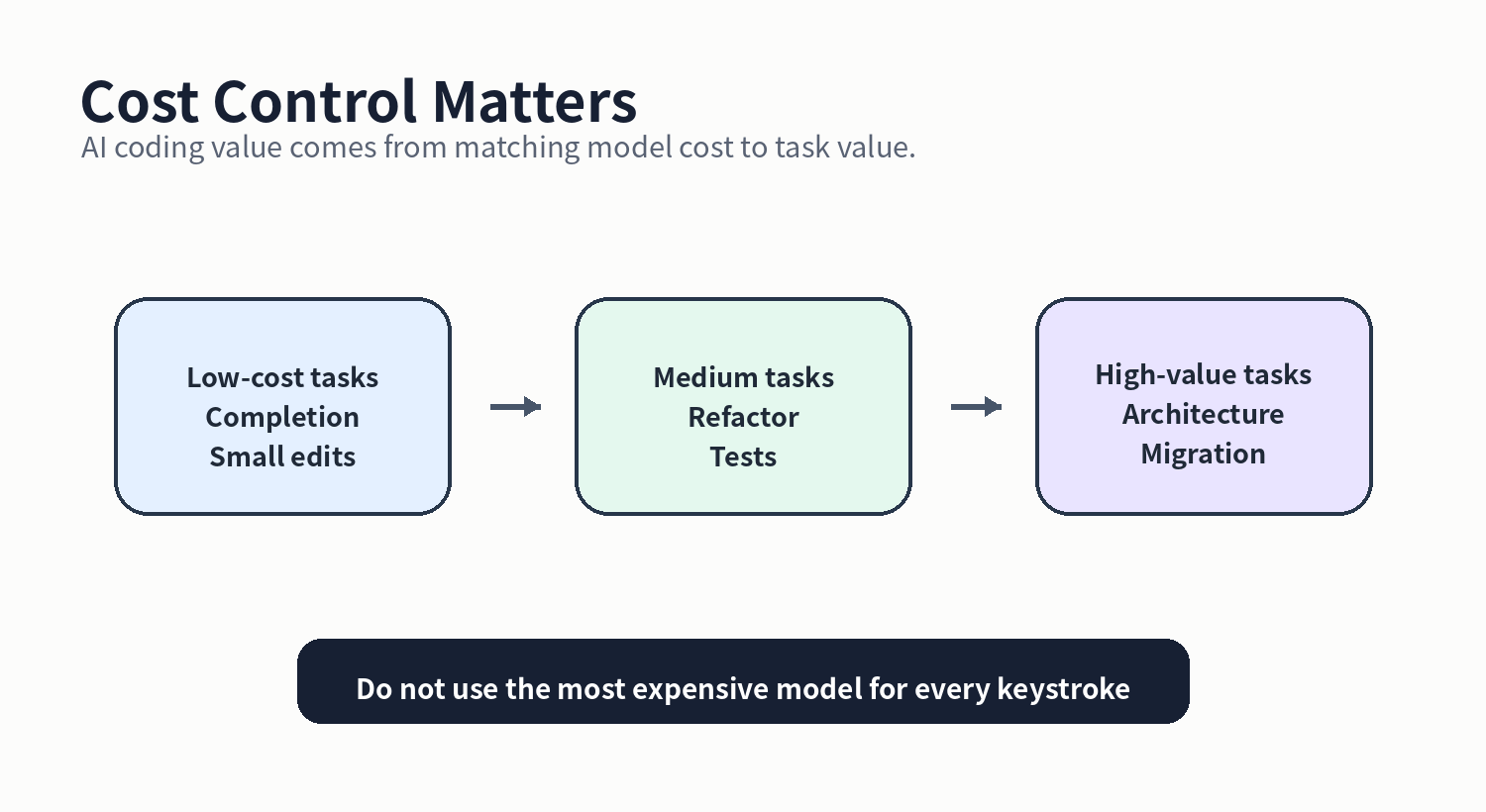
The right strategy is not to find a permanently cheapest tool. It is to split tasks by value: use cheaper completion tools for low-value frequent work, and reserve stronger models for high-value difficult work.
Original illustration: match model cost to task value
Cost strategy | How to apply it |
Do not use the most expensive model for every keystroke | Let Copilot or Cursor handle high-frequency small tasks |
Define scope before complex refactors | Reduce repeated trial-and-error in Claude Code or agent tools |
Clean context before long-context tasks | Remove unrelated logs, dependency folders, and generated files |
Be cautious with third-party API gateways | They may reduce cost but add privacy, reliability, compliance, and key-management risks |
6. Ecosystem and integration matter more for teams
Individual developers can switch tools freely. Teams need management, permissions, auditability, organization policies, and IDE standardization. GitHub Copilot has clear strengths in enterprise and GitHub workflows. Cursor is attractive to small teams and AI-first developers. Claude Code is compelling for terminal-heavy users, maintainers of complex systems, and agentic engineering workflows.
Team type | Primary consideration |
Traditional enterprise development team | Copilot: mature ecosystem and familiar management model |
Small product team or startup | Cursor: unified editor experience and efficient refactoring |
Infrastructure, backend, or legacy-system team | Claude Code: deeper analysis and task execution |
Highly sensitive codebase | Define security boundaries, data policy, and model access before choosing tools |
7. Recommended practical setup
One tool rarely covers every scenario. A hybrid setup is more realistic.
• Daily development: use Copilot or Cursor for completion, explanations, and small edits.
• Project-level edits: use Cursor for cross-file refactors and feature iteration.
• Complex tasks: use Claude Code for legacy code understanding, architecture analysis, tests, and migration planning.
• Cost control: use lightweight models for exploration and stronger models for final decisions.
The point is to let each tool do what it is good at, instead of forcing one tool to solve every coding problem.
Final takeaway
The AI coding market has moved from “which tool completes faster” to “which tool fits your engineering workflow.” GitHub Copilot is strong for frequent completion, Cursor is strong for editor-based project work, and Claude Code is strong for complex codebases and task-oriented development.
In 2026, the right choice is not the newest tool, the most expensive plan, or the most impressive model chart. The right choice starts with task segmentation: daily typing, project-level editing, and high-value engineering judgment are different jobs.
A good AI coding workflow does not replace developers. It removes repetitive coding, formatting, and low-value searching so developers can spend more attention on architecture, quality, and product understanding.
FAQ
Which is best: Claude Code, Cursor, or GitHub Copilot?
There is no single best choice. Copilot is best for daily completion, Cursor is best for AI-first editor workflows, and Claude Code is best for deep codebase reasoning and agentic tasks.
What should an individual developer try first?
If budget is limited and you mostly write daily business code, start with Copilot. Try Cursor if you want an AI-first editor. Consider Claude Code when complex projects are a frequent part of your work.
Why can Claude Code become more expensive?
It is often used for long-context, complex tasks, and tool-based workflows. That can increase input and output token usage significantly.
What is the biggest difference between Cursor and Copilot?
Copilot is more like an IDE-native copilot. Cursor is an editor designed around AI-assisted coding and project-level changes.
Should production teams use third-party API gateways?
Be careful. They can reduce cost, but they may introduce risks around keys, privacy, latency, reliability, and compliance. Important production code should use official or trusted enterprise channels.
Related Tools
• Cursor
Sources
• Cursor Models and Pricing Docs