Codex Usage Running Out? A 2026 Guide to Plus, Pro, Credits, and Smarter Coding Workflows
This guide explains why Codex usage can run out quickly, how to choose between Plus, Pro, and Credits, and how to reduce waste with better task scoping, planning-first prompts, shorter conversations, and safer billing practices. It also connects Codex usage management with We0.ai’s Build → Showcase → Grow → Leads workflow for turning engineering output into growth assets.

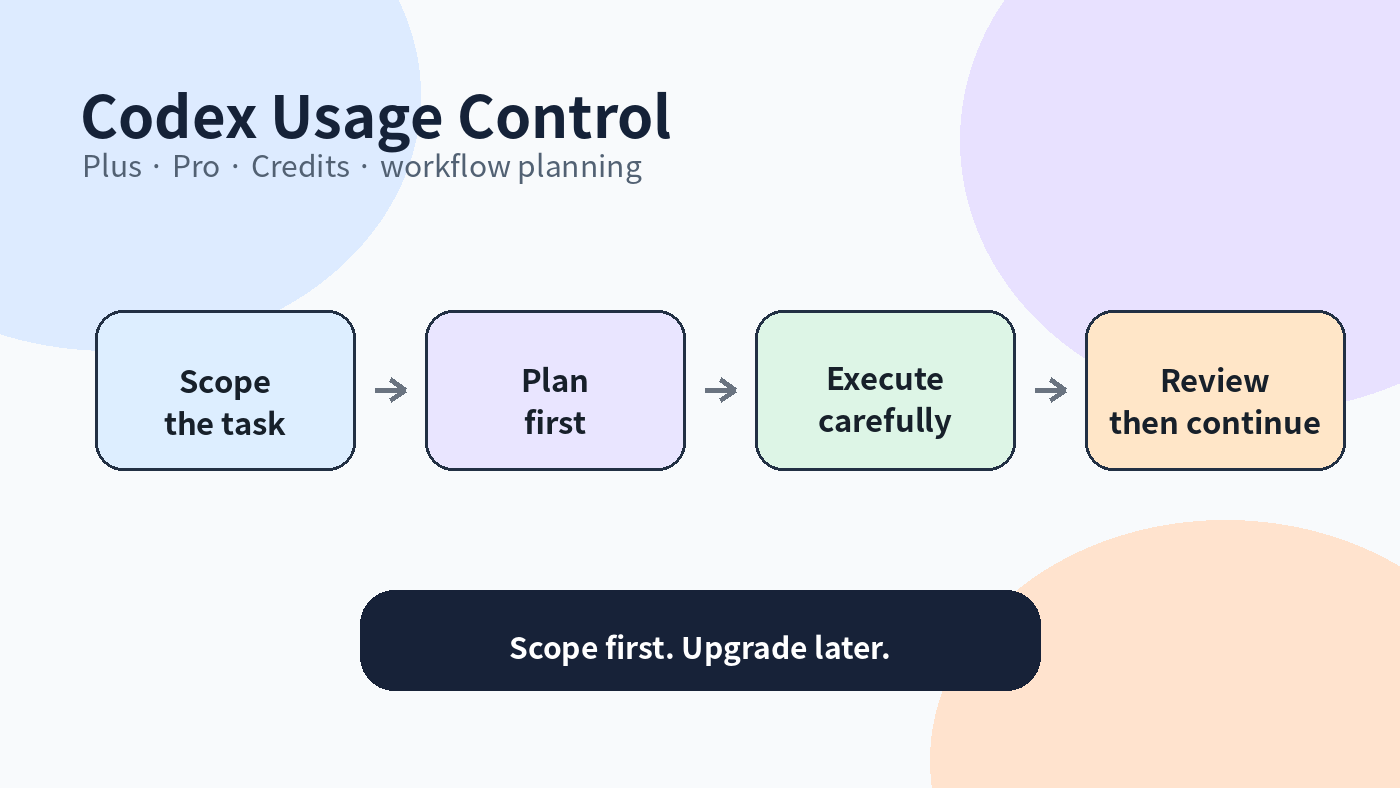
Original clean diagram: Codex usage should be controlled through scope and execution planning.
More developers are using Codex seriously, and the most common complaint is not that Codex is hard to use. The complaint is that usage runs out faster than expected.
That makes sense. Codex is not a simple question-and-answer box. It can read a repository, understand context, analyze dependencies, edit files, run tests, and keep working inside an engineering environment. Larger tasks, longer context, and more rework naturally consume more usage.
So when Codex usage feels tight, the first move should not be upgrading immediately. Start with three questions: Is the task too broad? Is the requirement too vague? Are too many unrelated goals inside one conversation?
1. Why Codex usage can run out quickly
Reading the whole project at once
A prompt like “check the whole repo” sounds convenient, but it expands the context quickly. The more files Codex needs to inspect, the more usage you should expect.
A better instruction is: Check the login bug only in the auth directory. Do not inspect or modify unrelated folders.
Vague requirements create rework
“Optimize this page” is not a clear coding task. It could mean layout, performance, styling, interaction, SEO, accessibility, or content hierarchy. Vague instructions produce trial and error, and every round consumes more context and execution time.
Complex tasks should not be bundled together
Refactoring, writing tests, checking dependencies, and redesigning UI in the same task can become messy. A safer flow is: analyze the issue, propose a plan, confirm impact, edit files, then run tests.
Long conversations carry too much history
Keeping every request in one thread feels continuous, but later turns must carry more history. Once a stage is complete, starting a focused new task can be cleaner and cheaper.
2. Optimize the workflow before buying more usage
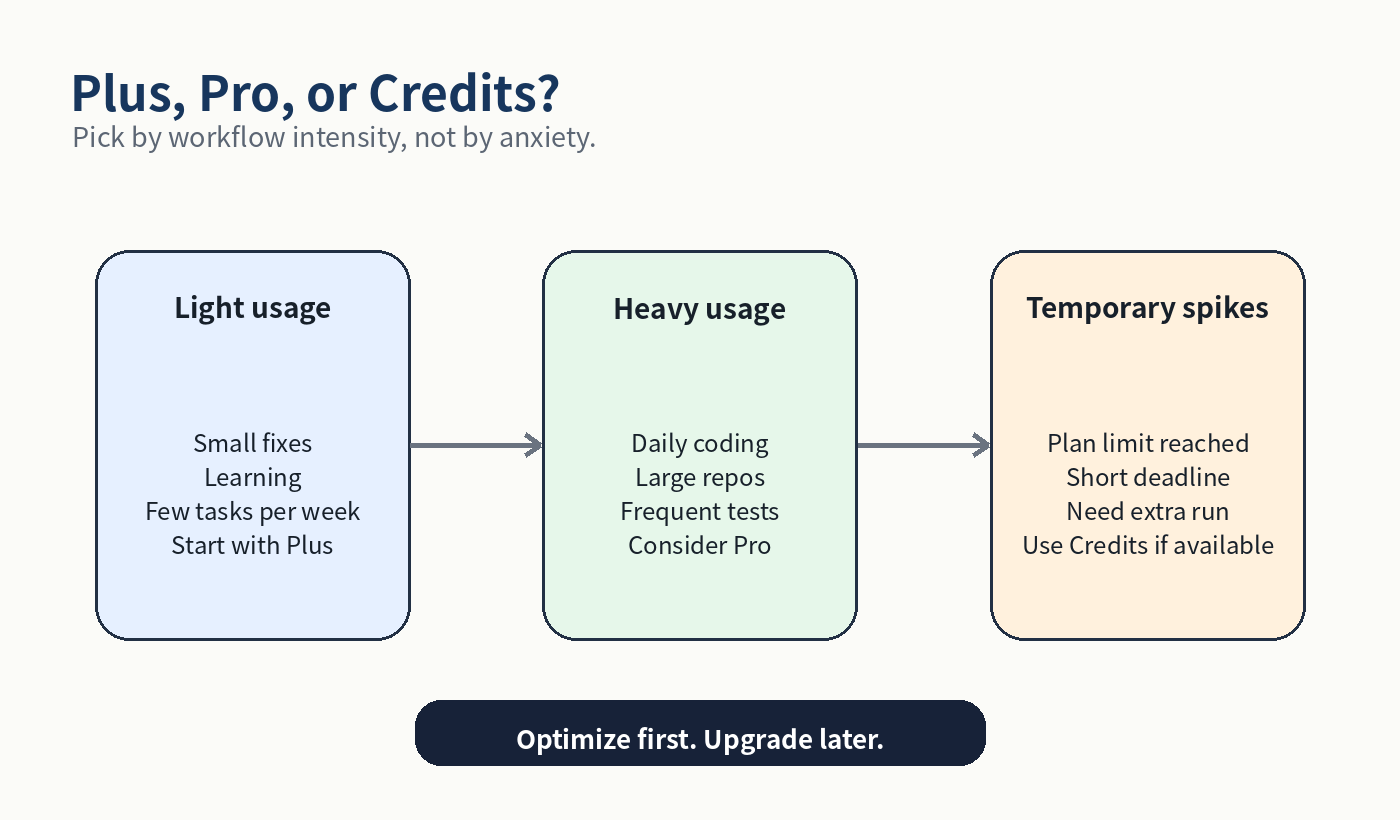
Original clean diagram: choose Plus, Pro, or Credits by real workflow intensity.
Action | Why it saves usage | Example instruction |
Narrow the scope | Avoid unnecessary file reading | Only check src/components/Checkout |
Plan before editing | Reduce wrong edits and rework | List the plan first; do not modify files yet |
One conversation per task | Prevent context from growing forever | This task only fixes login errors |
Add negative constraints | Avoid high-risk areas | Do not change database schema or payment logic |
Ask for impact first | Make edits safer | List files to change and why |
The best way to save usage is not a longer prompt. It is a clearer boundary. Codex becomes more efficient when it knows what not to touch.
3. How to think about Plus, Pro, and Credits
OpenAI’s current documentation says Codex is included in eligible ChatGPT plans and that usage limits vary by plan. Plus and Pro users may be able to add Credits after hitting limits, while exact allowances, rates, and availability should always be checked on official pages and inside the account.
Use case | Likely fit | Why |
Occasional fixes, learning, small projects | Plus | Start with included usage and better task discipline |
Daily coding, large repos, frequent tests and refactors | Pro | Better when Codex is a core production tool |
Temporary deadline or short spike | Credits | Useful for short-term extra usage if available |
Team governance and budgets | Business / Enterprise | Requires workspace controls, billing, and security policies |
The point is not which plan sounds more advanced. The point is whether Codex limits are actually blocking your delivery. If they are not, upgrading early may not help much.
4. Subscription and billing mistakes to avoid
• Do not buy unknown finished accounts. Code, project context, and chat history may be tied to the account.
• Do not share a developer account. Shared accounts create login conflicts, privacy risks, and confusing project history.
• Do not hand out long-term passwords or verification access. Be careful with third-party billing help that requires persistent account access.
• Do not chase unusually low prices. Stable access matters more than a small discount for real development work.
• Do not confuse Codex credits with API billing. Always check the official account page for what a credit balance can be used for.
For developers, stability is a cost factor. One account issue, one lost project context, or one leaked credential can cost more than the subscription difference.
5. The right order: usage first, upgrade later
Step | What to do | Goal |
Step 1 | Check Codex usage in the account | Avoid guessing |
Step 2 | Improve task scope and prompt boundaries | Reduce wasted context |
Step 3 | Measure usage for one or two weeks | See whether the problem is recurring |
Step 4 | Choose Plus, Pro, or Credits | Match plan to real workflow intensity |
Step 5 | Document your team’s Codex rules | Turn savings into a repeatable process |
Many usage problems are workflow problems, not plan problems. Smaller tasks, clearer boundaries, and predefined output formats often do more than an immediate upgrade.
6. What this means for We0.ai
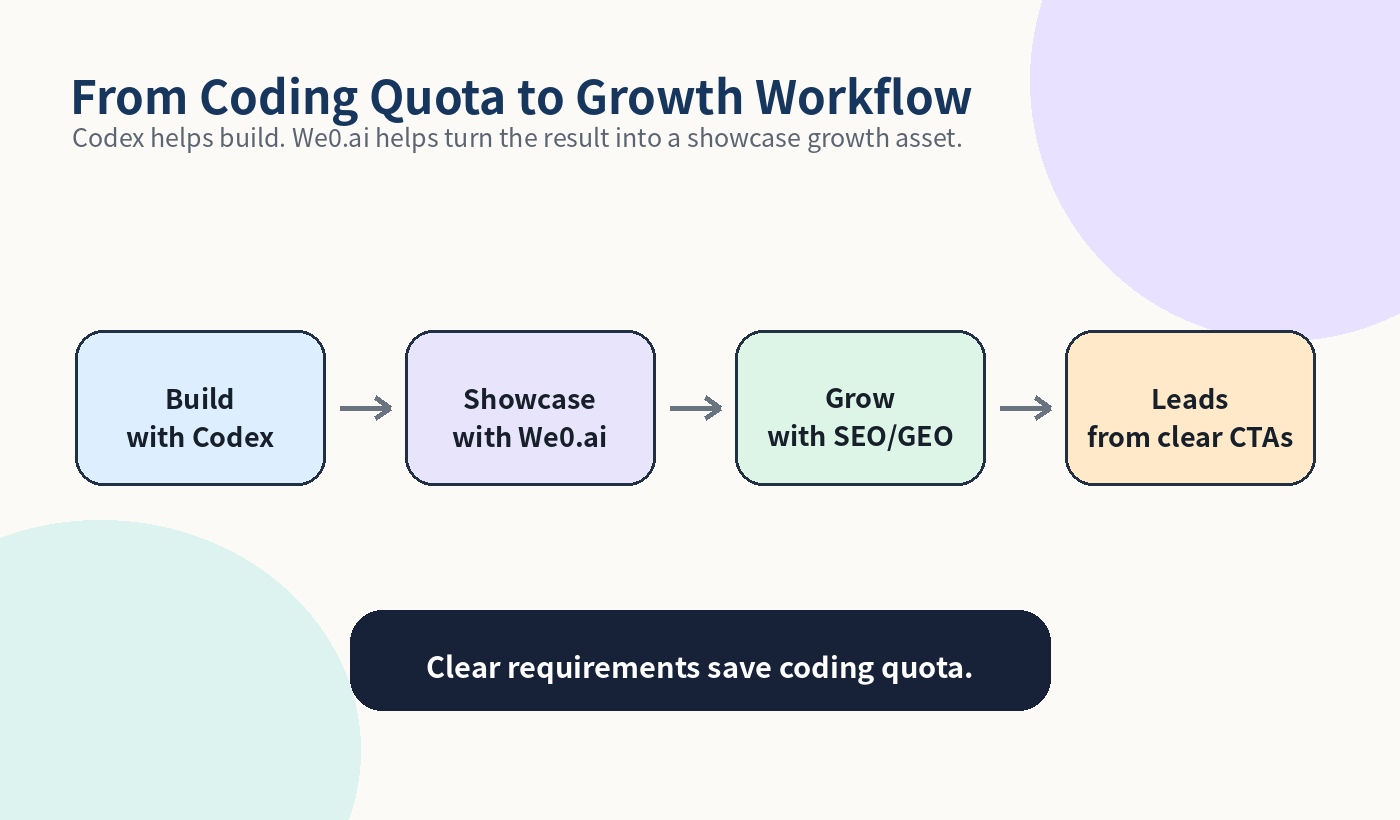
Original clean diagram: Codex helps build; We0.ai helps turn the output into a growth asset.
Codex is a powerful Build tool, but it should not be wasted on guessing unclear website requirements. For showcase websites, product pages, service pages, and case pages, the hard part is often not writing code. It is deciding what to show, who it is for, why visitors should trust it, and what they should do next.
That is where We0.ai fits. We0.ai is better understood as an AI Showcase Website Growth Platform. It connects Build → Showcase → Grow → Leads, rather than stopping at page generation.
If Codex helps you build a website prototype, that is the Build stage. The next stage is using We0.ai to clarify the site structure, keep content editable, generate CMS logic, improve SEO/GEO pages, and turn visitors into leads.
In short, spend Codex usage on real engineering execution. Use a growth-oriented website workflow for content structure, showcase pages, SEO/GEO, and lead conversion.
Final takeaway
If Codex usage runs out, it does not always mean the plan is too small. In many cases, the task is too broad, the requirement is too vague, the conversation is too long, or the project is being reworked too many times.
A better order is: optimize the workflow, measure real usage, then choose Plus, Pro, or Credits.
If Codex is now part of your daily engineering workflow, Pro or Credits may be worthwhile. If usage is occasional, better task discipline may be enough to start.
For website and product showcase work, remember the final goal is not more code. The goal is a growth asset that can be found by search, understood by AI, and converted into customer leads.
FAQ
Why does Codex usage run out quickly?
Because Codex can read code, carry context, run commands, edit files, and execute tests. Large projects, vague tasks, and repeated rework increase usage.
Should I upgrade to Pro immediately when usage is low?
Not necessarily. First narrow task scope, split conversations, plan before editing, and observe real usage over time.
Who is Plus best for?
Plus is usually a better starting point for occasional coding help, learning, small projects, and light development.
Who should consider Pro?
Pro makes more sense when Codex is used daily for large repositories, refactors, tests, debugging, and real production work.
When do Credits make sense?
Credits can help with temporary spikes or deadlines if they are available to your plan. Always check official account pages for availability and usage rules.
Why avoid shared accounts?
Shared accounts create privacy, security, login, and project-history risks. They are especially risky for code and business data.
How does We0.ai connect to this topic?
We0.ai helps move websites from Build to Showcase, Grow, and Leads, so Codex usage can focus on engineering while We0.ai handles website structure, CMS, SEO/GEO, and lead conversion.
Related Tools
• We0.ai
• GitHub
• Cursor
Sources
• Using Codex with your ChatGPT plan
• Using Credits for Flexible Usage in ChatGPT
• We0.ai