Aider Tutorial 2026: Complete Install, Setup, Commands, and Git-Native Workflow Guide
A practical 2026 guide to Aider covering installation, API key setup, core commands, model choice, pricing, pitfalls, and how Aider compares with GUI AI coding tools. This bilingual final version keeps the original tutorial structure while reframing the decision through We0 AI's build-to-showcase growth lens.
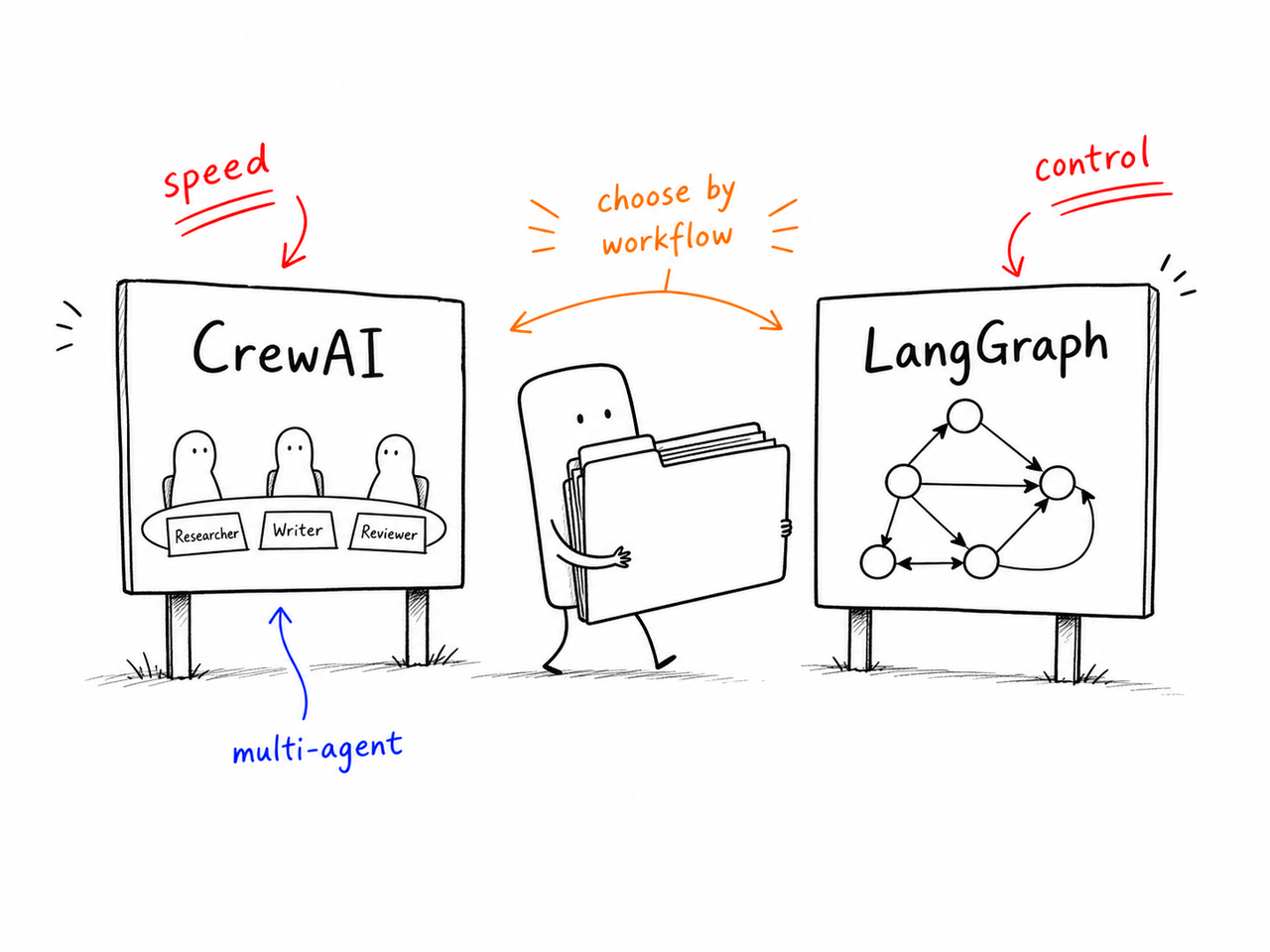
Start With the Real Question
Aider is not trying to be another AI sidebar inside your IDE. It is trying to be the cleanest possible answer to a very specific question: how do I let AI edit my code while keeping my workflow anchored in git, the terminal, and reviewable commits?
That is why it lands so well for some developers and feels awkward for others.
At We0 AI, that distinction matters because tool choice always bleeds into delivery choice. The real question is not only whether a coding tool is powerful. It is whether it moves you through the broader path:
build something real
show it clearly
document it well
surface it through SEO and GEO
turn that visibility into leads
Key Takeaways
Aider is terminal-first and git-native.
The tool is free and open source.
You can choose your own model stack.
/test,/lint, and/architectare where it starts to feel like a serious workflow tool.It works best for people who already feel at home in the terminal.
What Aider Is
Aider is an open-source command-line AI coding assistant. You run it inside a local git repo, give it file context, and chat with it about the code.
Its purpose is deliberately narrow: natural-language instructions in, reviewable git commits out.
Why It Feels Different From GUI AI Coding Tools
The core loop is simple:
describe a change -> Aider edits files and commits -> review the diff -> continue or
/undo
That is a very different promise from ghost text, inline completion, and sidebar chat.
The Git-Native Philosophy
Aider's biggest design choice is that git is the primary control surface for AI changes.
That means:
successful edits can auto-commit
/undorewinds the last AI change cleanlyexperimentation through branches becomes cheap and natural
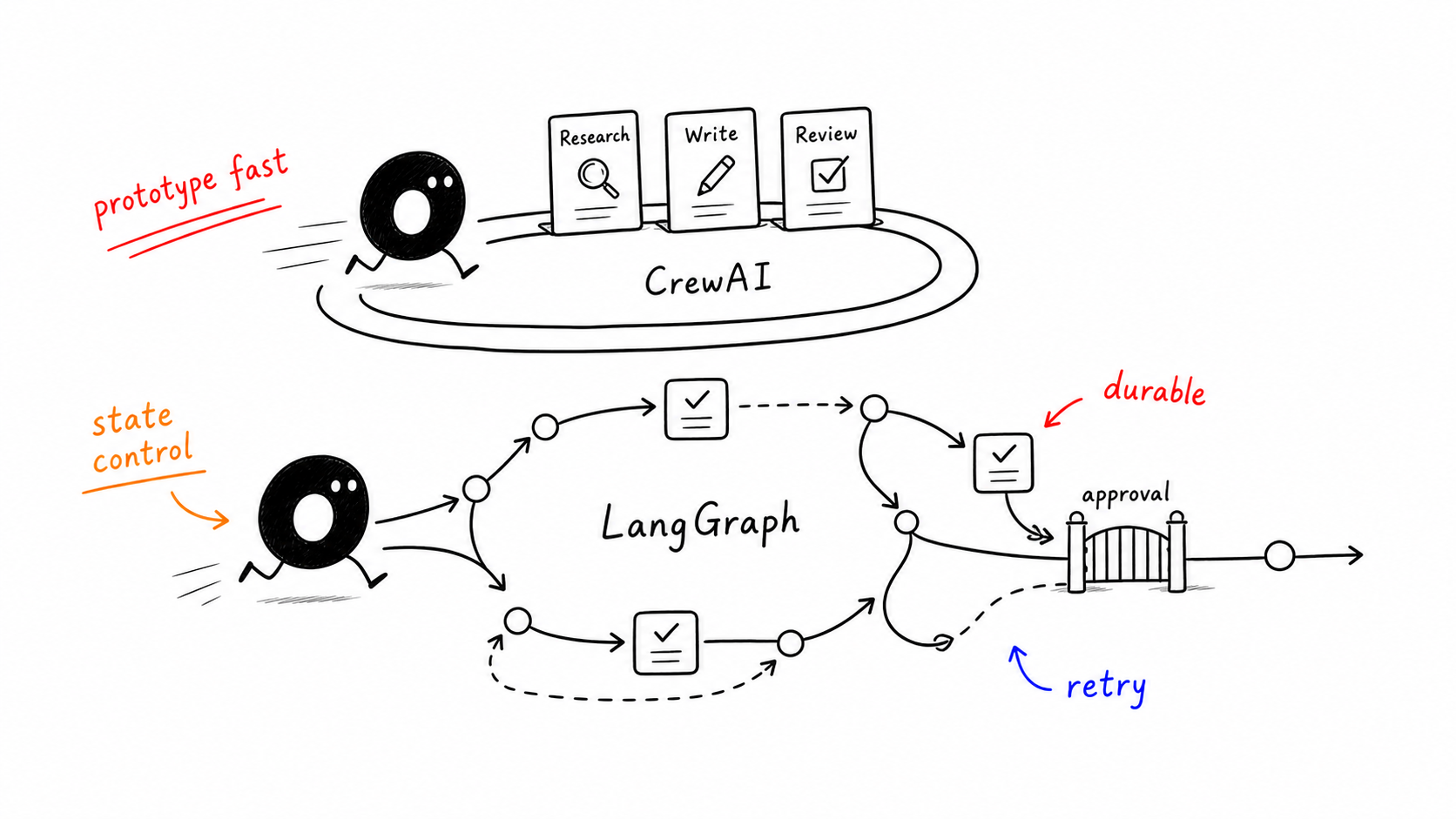
Installation: Three Common Paths
1. pip
python -m pip install aider-chat2. pipx
pipx install aider-chat3. Homebrew
brew install aiderVerify it
aider --versionQuick Start in Practice
Step 1: set an API key
export ANTHROPIC_API_KEY=sk-ant-...export OPENAI_API_KEY=sk-...export DEEPSEEK_API_KEY=...Step 2: open a repo and point Aider at files
cd ~/code/my-project
aider src/billing.ts src/billing.test.ts
Step 3: ask for the change
add a function that prorates a subscription change mid-cycle, with testsIf the result is wrong, use /undo.
Core Commands That Actually Matter
Command
What it does
/add <file>
add a file to chat context
/drop <file>
remove a file from context
/ls
list the current file context
/undo
revert the last AI commit
/diff
show the last change
/commit
commit manual edits
/test
run tests and feed failures back
/lint
run lint and let the model fix it
/run <cmd>
execute a shell command and bring output into context
/web <url>
fetch a web page into context
/model <name>
switch models mid-session
/architect
split planning and editing across models
Model Choice
Aider's flexibility comes from model freedom.
Model
Typical fit
Claude 4.7 Sonnet
strongest refactors and architecture work
DeepSeek V4
strong daily-driver cost performance
OpenAI GPT-5.4
balanced general-purpose choice
Gemini 3 Pro
long-context reading
Ollama / local models
privacy and zero API cost
Example setups
aider --model anthropic/claude-4.7-sonnet --architectaider --model deepseek/deepseek-v4aider --model ollama/qwen3-coder-32b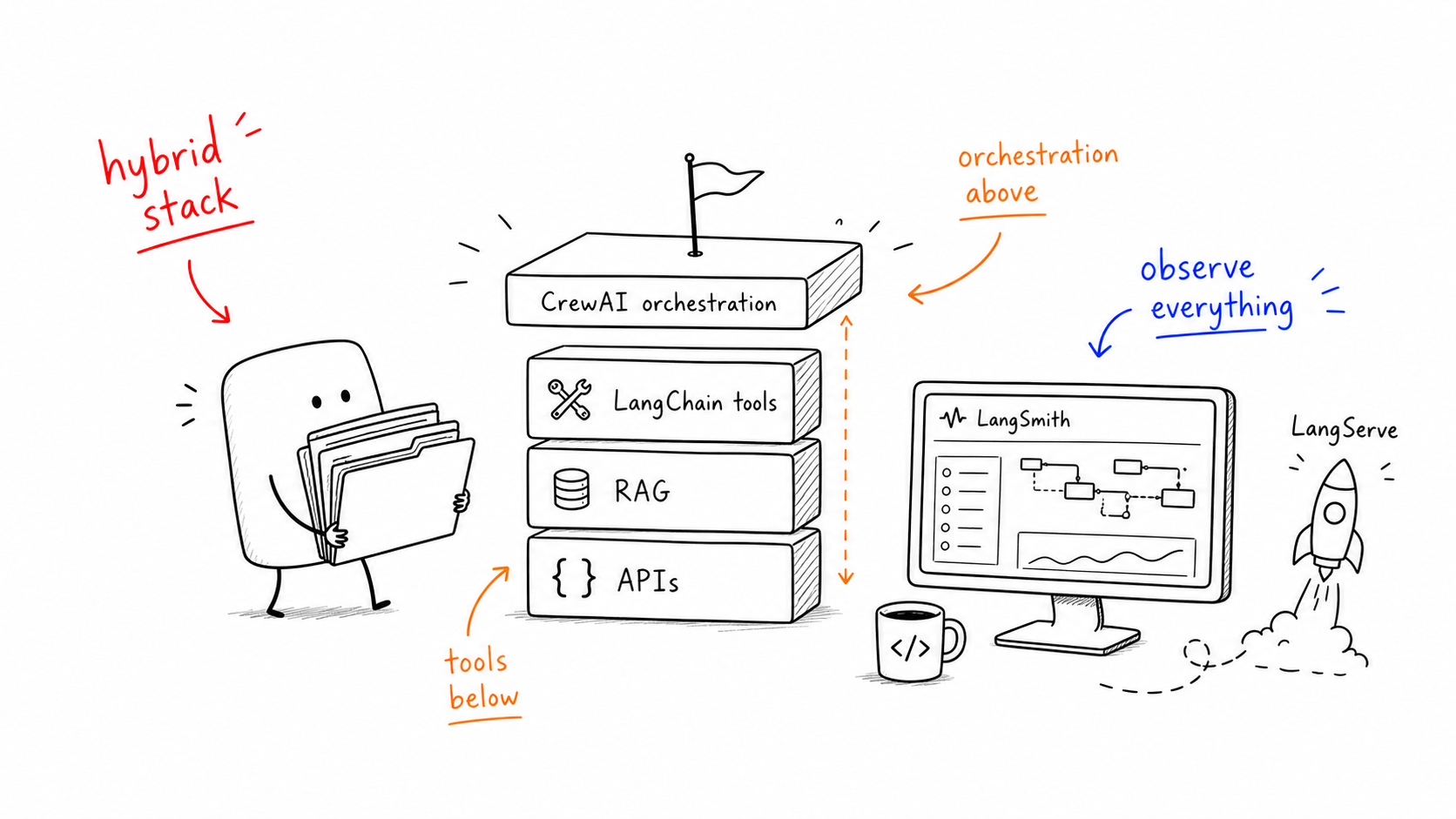
Pricing
Aider itself is free. The variable cost is the model API.
The original article frames the practical range this way:
small edits: about
$0.01-$0.10one source file: around
$0.007heavy Claude refactor day: roughly
$3-$8heavy DeepSeek day: roughly
$0.30-$1.00
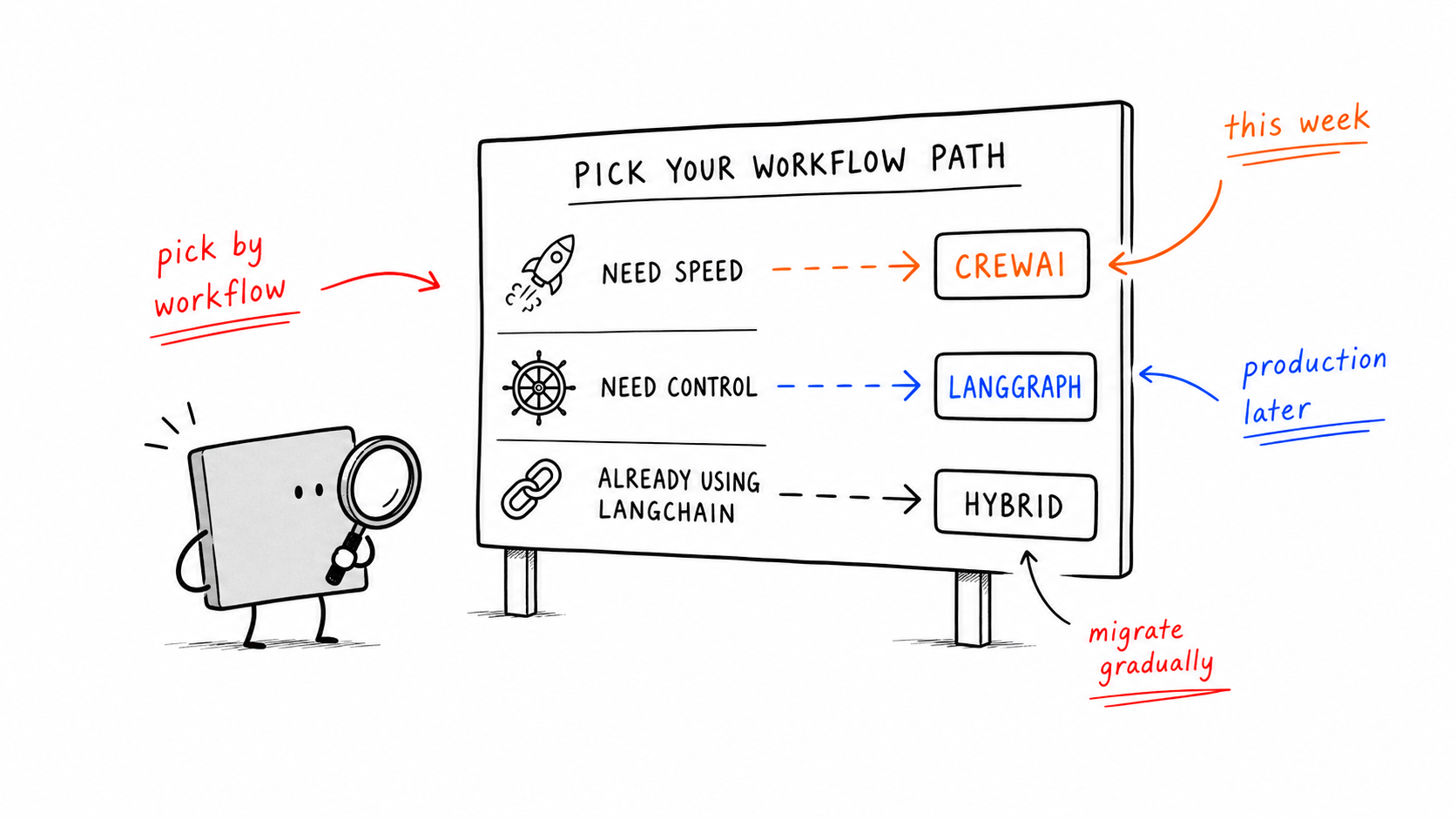
Aider vs Cursor / Windsurf / Copilot
Choose Aider when you want terminal-native, git-native control.
Choose GUI tools when you want inline completion, integrated panels, and lower setup friction.
Many engineers end up using both.
Common Pitfalls
adding too many files into context
starting from a dirty working tree
using the wrong model for the task
skipping
--test-cmdignoring
/architect
When Aider Wins, and When a Lighter Builder Wins
Aider is excellent when you already have a repo, know your stack, and want maximum control.
If the real goal is to ship a landing page, MVP, or showcase experience quickly, a lighter browser workflow can be the smarter first move.
Conclusion
Aider remains one of the cleanest tools in 2026 for developers who want AI help without surrendering workflow control. If you already live close to git and the terminal, it is one of the first tools worth trying seriously.
Frequently Asked Questions
What is Aider?
Aider is an open-source terminal-based AI pair programmer that edits your local repo and can auto-commit the results.
How do I install Aider?
Use pip, pipx, or Homebrew, then set the API key for your chosen model.
How much does Aider cost?
The CLI is free. You pay the model provider.
Which model should I use?
Claude is often strongest for complex refactors, DeepSeek is strong on cost-performance, and local models work when privacy matters most.
Does Aider really auto-commit to git?
Yes. That is one of its defining workflow advantages.
Aider vs Cursor?
Aider is stronger for terminal-native, git-native control. Cursor is smoother for GUI-native usage and inline completion.