AI 视频正在成为品牌官网继图片之后的下一层增长入口

AI Video for Brand Websites: The Next Growth Layer After Images
AI 视频正在成为品牌官网继图片之后的下一层增长入口
很多品牌官网的问题,不是“不好看”。
而是它太安静了。
一张 Hero 图,一排产品截图,几段标准介绍,再加一个按钮。看起来完整,甚至也挺专业。但用户扫完之后,心里经常没有留下什么。
图片能让用户知道你是什么。视频更容易让用户理解你为什么值得信。
这就是 AI Video 对品牌官网真正重要的地方。
它不是让官网变得更炫。也不是为了在页面上塞一个会动的东西。
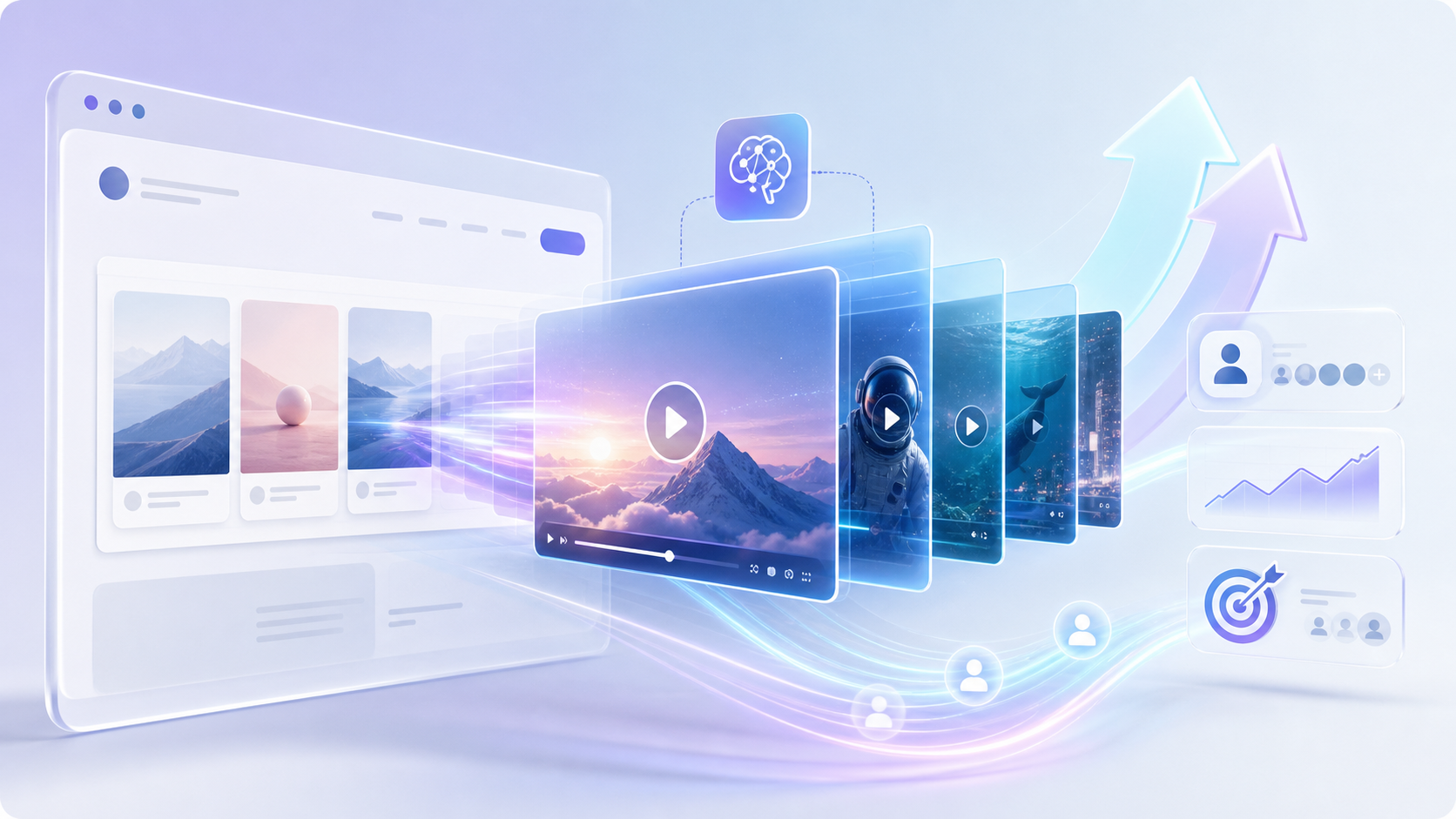
更准确地说,AI Video 正在变成品牌官网里的第二层表达:
第一层是图片,负责展示。
第二层是视频,负责解释、建立信任、推动行动。
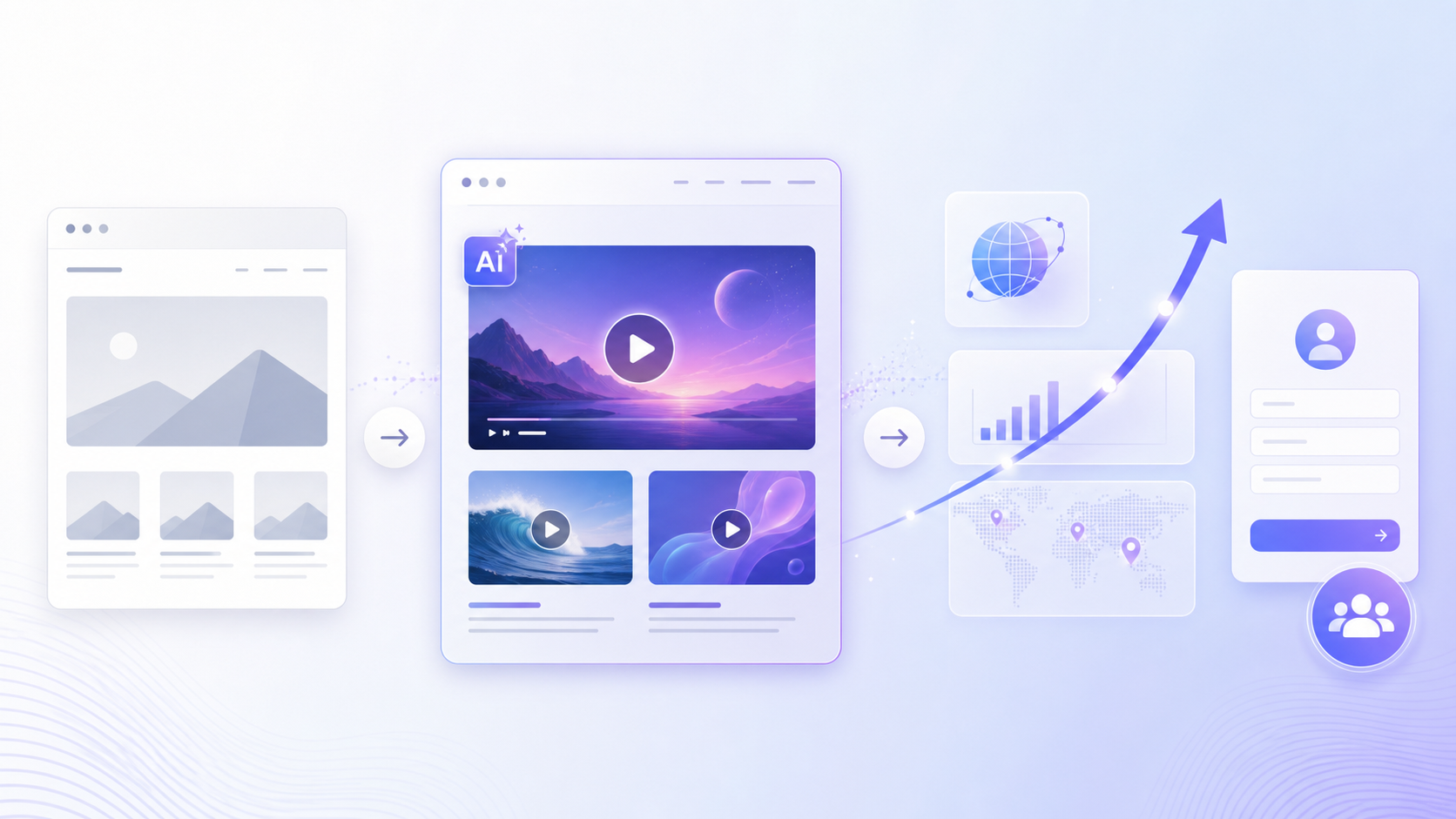
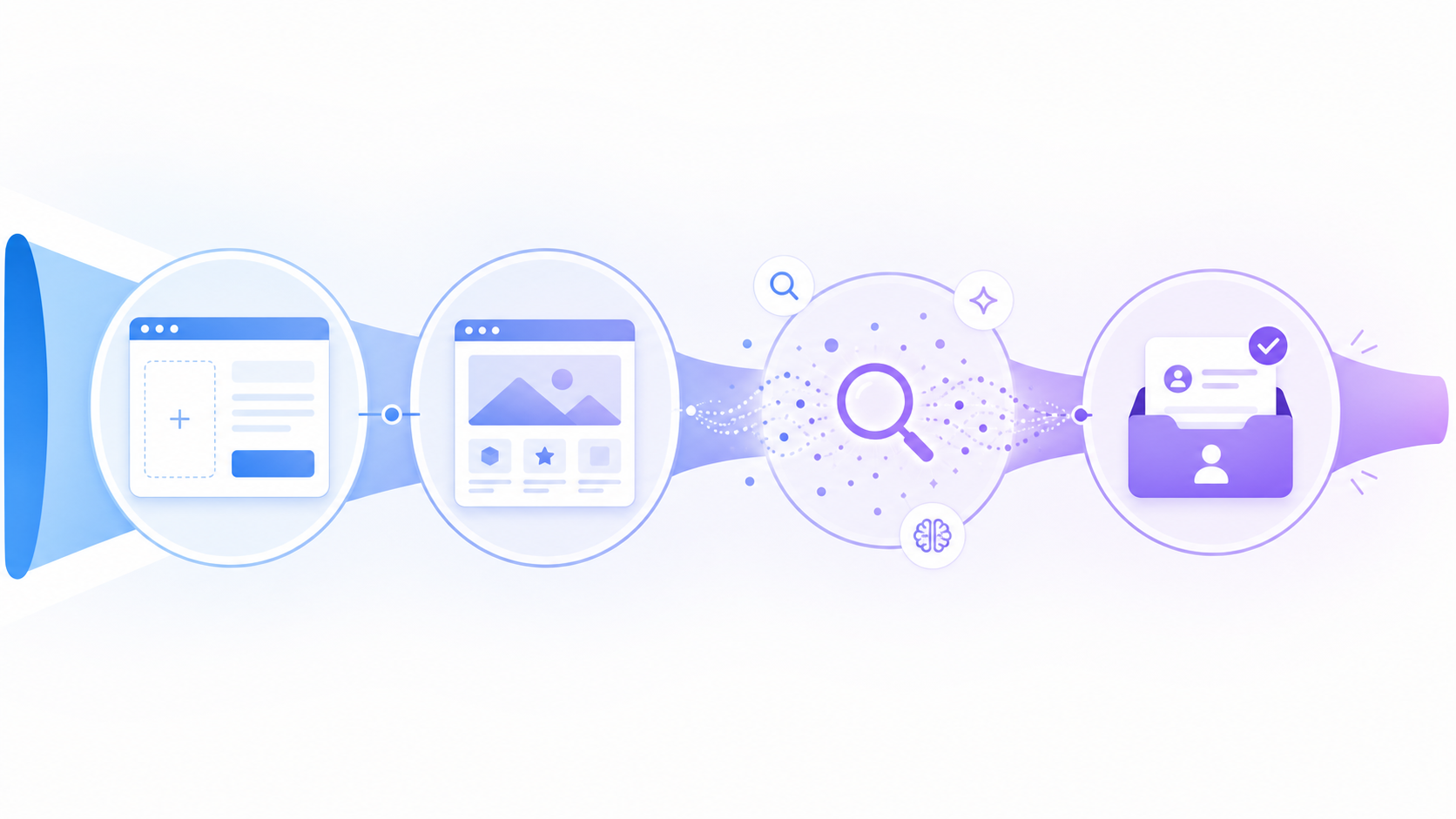
而这件事,正好接上 We0 AI 一直强调的逻辑:Build -> Showcase -> Grow -> Leads。
不是只做一个页面。
而是让这个页面持续展示、持续被搜索和 AI 推荐理解、持续带来线索。

为什么图片层已经不够了?
过去几年,品牌官网基本都在优化“视觉第一眼”。
更好的主视觉,更精致的产品图,更统一的设计系统,更像样的案例截图。
这当然有用。
但问题是,图片解决的是“看见”,不一定解决“理解”。
尤其是下面几类网站:
| 网站类型 | 图片能解决什么 | 图片解决不了什么 |
|---|---|---|
| SaaS / AI 产品官网 | 展示界面、功能模块 | 用户如何使用、价值如何发生 |
| 顾问 / Agency 官网 | 展示案例和客户 Logo | 服务过程、专业判断、信任感 |
| 创作者 / 专家个人站 | 展示作品和履历 | 人的表达、观点、性格 |
| 外贸 / B2B 产品站 | 展示产品外观和参数 | 应用场景、采购理由、差异化 |
| 本地服务官网 | 展示环境、服务项目 | 体验过程、客户安心感 |
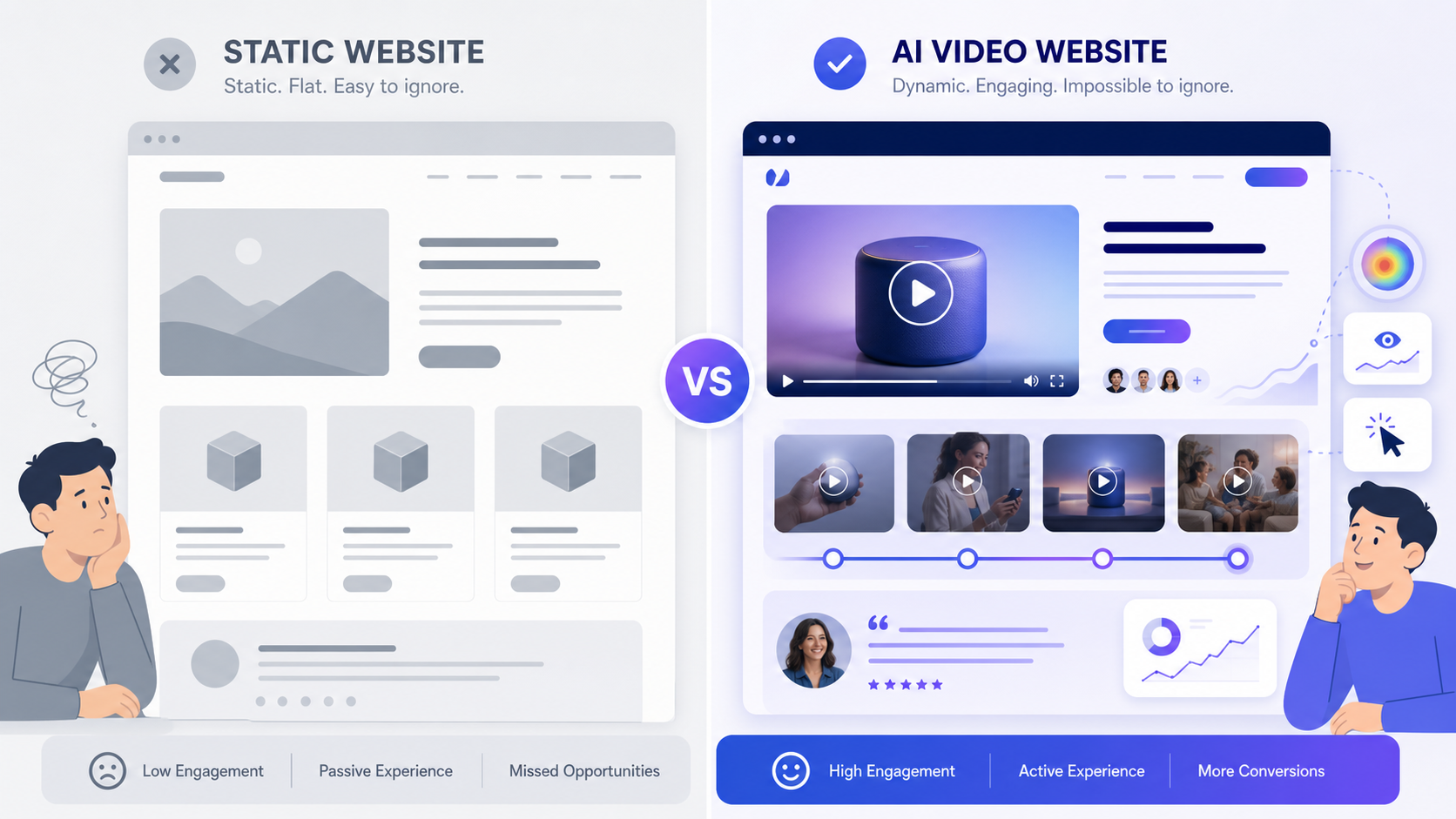
图片让官网“像一个官网”。
但视频更容易让官网“像一个真实业务”。
这句话很关键。
因为用户访问品牌官网时,很多时候不是缺信息,而是缺一个判断:
“我能不能快速相信你?”
AI Video 的价值,不是替代图片,而是补上“理解层”
很多人一听 AI Video,就会想到短视频、广告片、社媒内容。
但放到品牌官网里,它的角色不一样。
官网里的 AI Video 不一定要很长,也不一定要像大片。
它更适合做这些东西:
- 30 秒产品解释
- 15 秒功能演示
- 45 秒客户场景复现
- Founder message
- 服务流程说明
- 案例前后对比
- FAQ 短视频
- 产品使用场景动画
它的任务不是娱乐用户,而是降低理解成本。
一个用户可能不会读完 800 字功能介绍。
但他可能会看完一个 25 秒的演示片段。
这就是视频在品牌官网里的增长价值:它把“读懂你”的门槛降下来了。

品牌官网里的 AI Video,应该放在哪里?
不要一上来就想“我要做一支完整品牌片”。
这通常会把事情做重。
更实际的做法是:先把 AI Video 放进官网的关键转化节点。
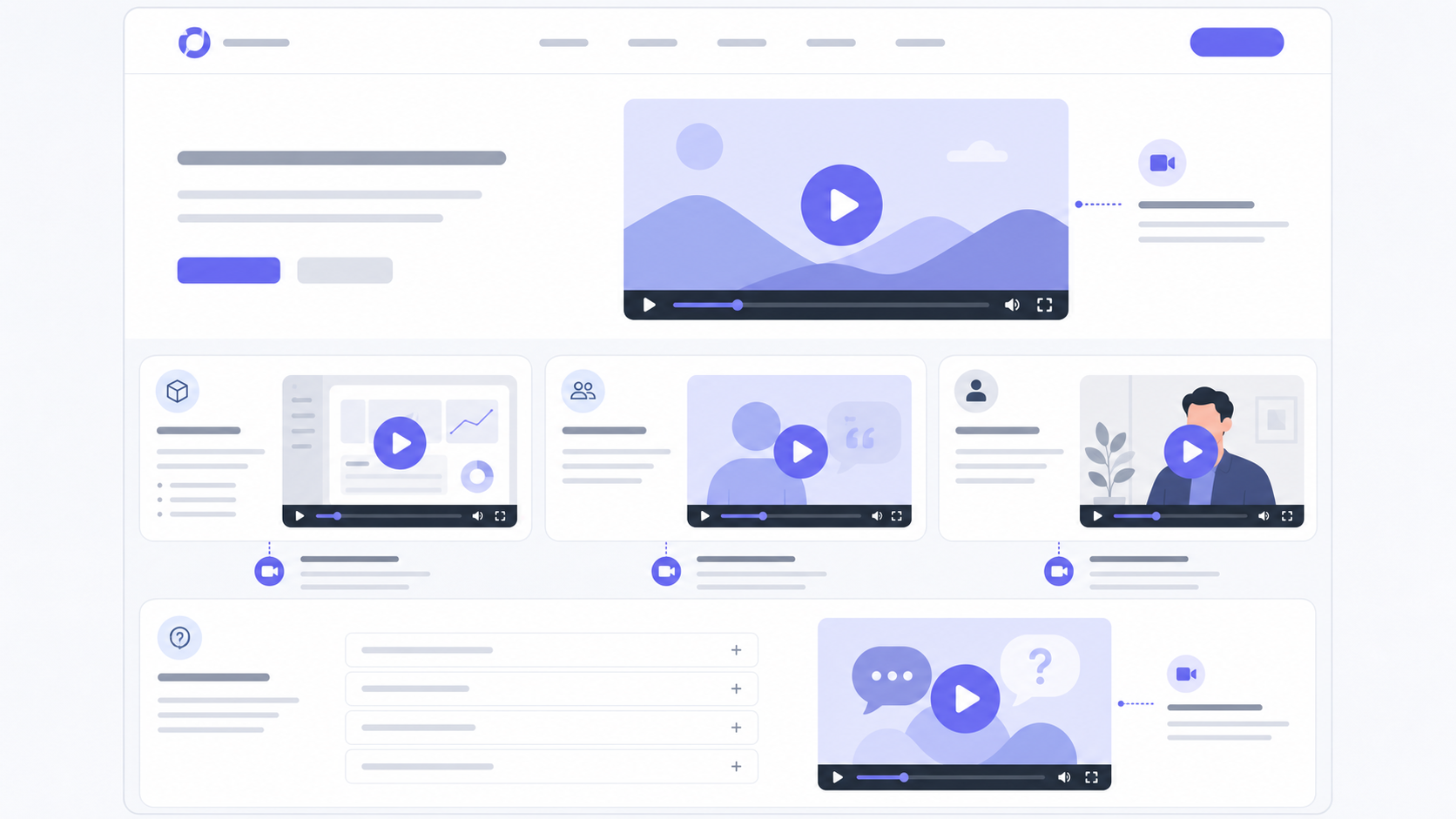
1. Hero 区:别只放大图,放一个能说明价值的视频入口
Hero 区的第一屏,过去最常见的是一句 Slogan 加一张视觉图。
但对复杂产品和服务来说,这经常不够。
你可以保留图片,但增加一个轻量的视频入口:
“See how it works in 30 seconds.”
中文场景也可以是:
“30 秒看懂我们怎么帮你获客。”
注意,不是强迫自动播放。
而是给用户一个更低成本的理解路径。
2. 产品 / 服务模块:让用户看到“过程”,而不是只看到结果
图片常常只能展示结果。
比如一个成品页面,一个产品截图,一个案例封面。
但用户真正想知道的是:
- 这个东西怎么工作?
- 我会怎么用?
- 它和我现在的方法有什么不同?
- 结果是怎么一步步发生的?
这里就很适合放 AI 生成的短演示视频。
不用很复杂。
一个产品功能,可以拆成三步:问题出现 -> 操作过程 -> 结果呈现。
这比单纯堆功能点更容易转化。
3. 案例页:让 Case Study 从“展示结果”变成“复现路径”
很多案例页写得很像奖项介绍。
客户是谁,做了什么,提升了多少。
但用户真正关心的是:这个提升和我有没有关系?
AI Video 可以把案例做得更像一个路径复现:
- Before:客户原来的问题
- Process:怎么调整页面、内容、SEO、转化路径
- After:结果怎样变化
- Next:下一步怎么继续增长
如果你用 We0 AI 做展示型网站,这个逻辑尤其自然。
因为 We0 AI 本来就不是一次性交付一个页面,而是帮用户把网站放进持续增长链路里:搭建、展示、内容、SEO/GEO、数据监控、线索承接。
4. FAQ 区:把高频疑问做成短视频
FAQ 不一定只能是文字。
特别是一些用户反复问的问题:
- 这个服务适合我吗?
- 做一个官网要多久?
- 价格怎么判断?
- AI 生成的网站能不能真的上线?
- 后续 SEO 和内容谁来做?
这些问题,如果只用文字回答,会有点冷。
但一个 20 秒的短视频,反而更容易建立信任。
FAQ 视频不是为了炫技,而是为了减少用户犹豫。

AI Video 为什么会成为“增长层”?
这里要分清一件事。
视频不是增长本身。
视频只是一个更强的表达介质。
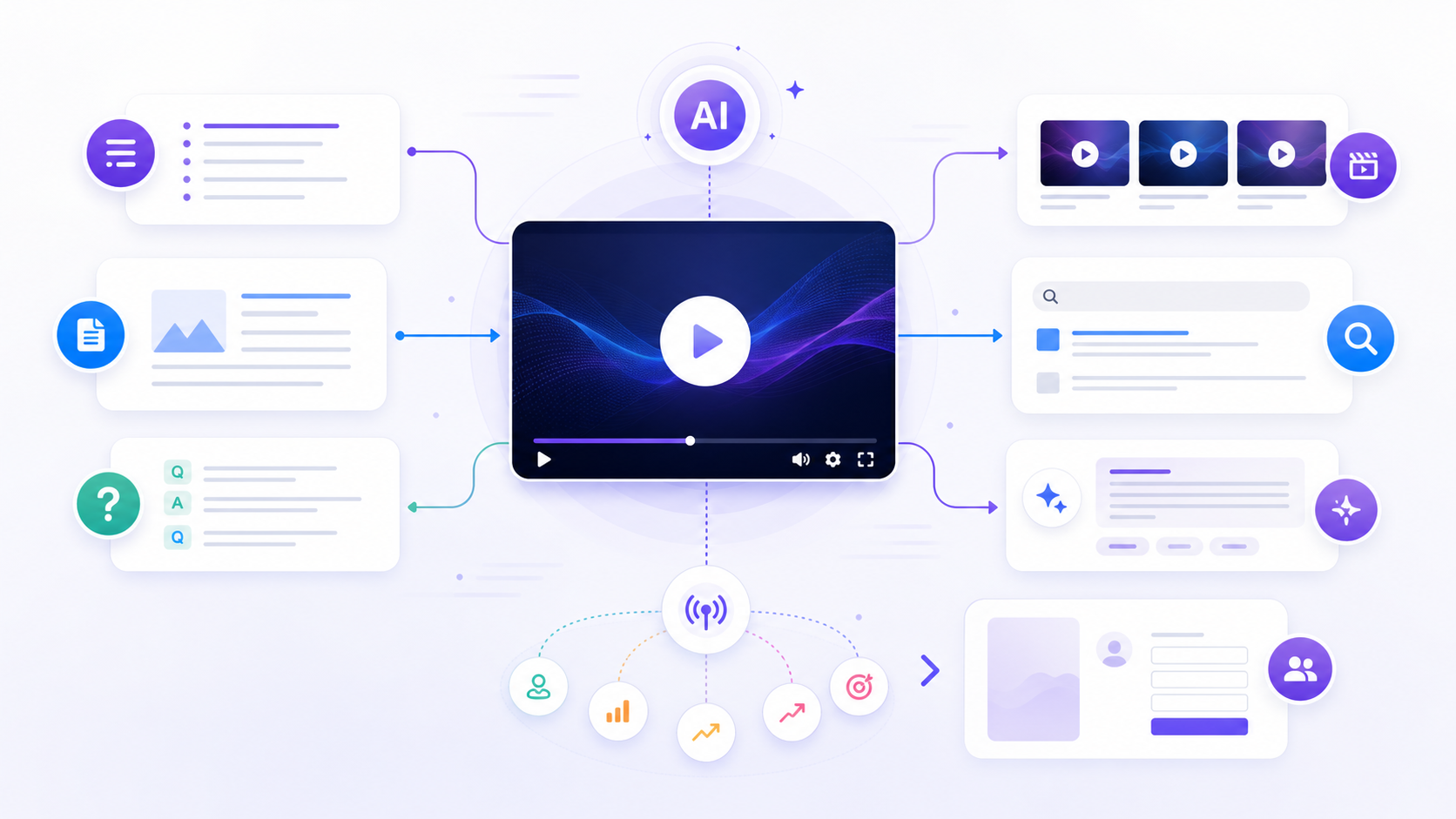
它要真的变成增长层,需要和网站结构、内容、SEO、GEO、数据和线索承接连起来。
否则它就是一个好看的模块。
好看的模块不等于增长资产。
从展示资产,到搜索资产
一条官网视频,不应该只被当成页面装饰。
它还可以继续拆成:
- 视频标题
- 视频摘要
- 字幕 / Transcript
- FAQ 问答
- Blog 内容
- 社媒短切片
- 产品文档入口
- 搜索结果可理解的结构化内容
- AI 搜索和 AI 推荐可引用的信息
这也是为什么现在品牌官网要同时考虑 SEO 和 GEO。
SEO 让搜索引擎理解你。
GEO 让生成式 AI、答案引擎和推荐系统更容易理解你。
而视频如果没有被整理成文本、结构和页面内容,它对搜索和 AI 推荐的价值就会打折。

不要把 AI Video 做成“官网装饰品”
这是很多品牌会踩的坑。
他们会做一个很漂亮的视频,然后放在首页。
看起来高级。
但用户看完之后,还是不知道下一步该做什么。
所以更好的问题不是:
“我们要不要加视频?”
而是:
“这个视频能不能帮助用户更快做出一个决定?”
比如:
| 视频类型 | 应该解决的问题 | 对应转化动作 |
|---|---|---|
| Hero Explainer | 你是谁、解决什么问题 | 点击了解产品 / 预约 Demo |
| Product Demo | 功能怎么工作 | 试用 / 注册 / 查看功能页 |
| Case Story | 结果如何发生 | 查看案例 / 咨询方案 |
| Founder Message | 为什么值得信任 | 关注品牌 / 预约沟通 |
| FAQ Video | 消除顾虑 | 询价 / 提交线索 |
如果视频后面没有路径,它就只是内容。
如果视频后面接上页面、SEO、CTA、表单和复盘,它才可能变成增长层。
We0 AI 更适合处理的,不只是“做视频”,而是把视频放进网站增长系统
这里就回到 We0 AI 的定位。
We0 AI 不是一个简单的 AI 建站工具。
也不是只帮你生成一个看起来不错的页面。
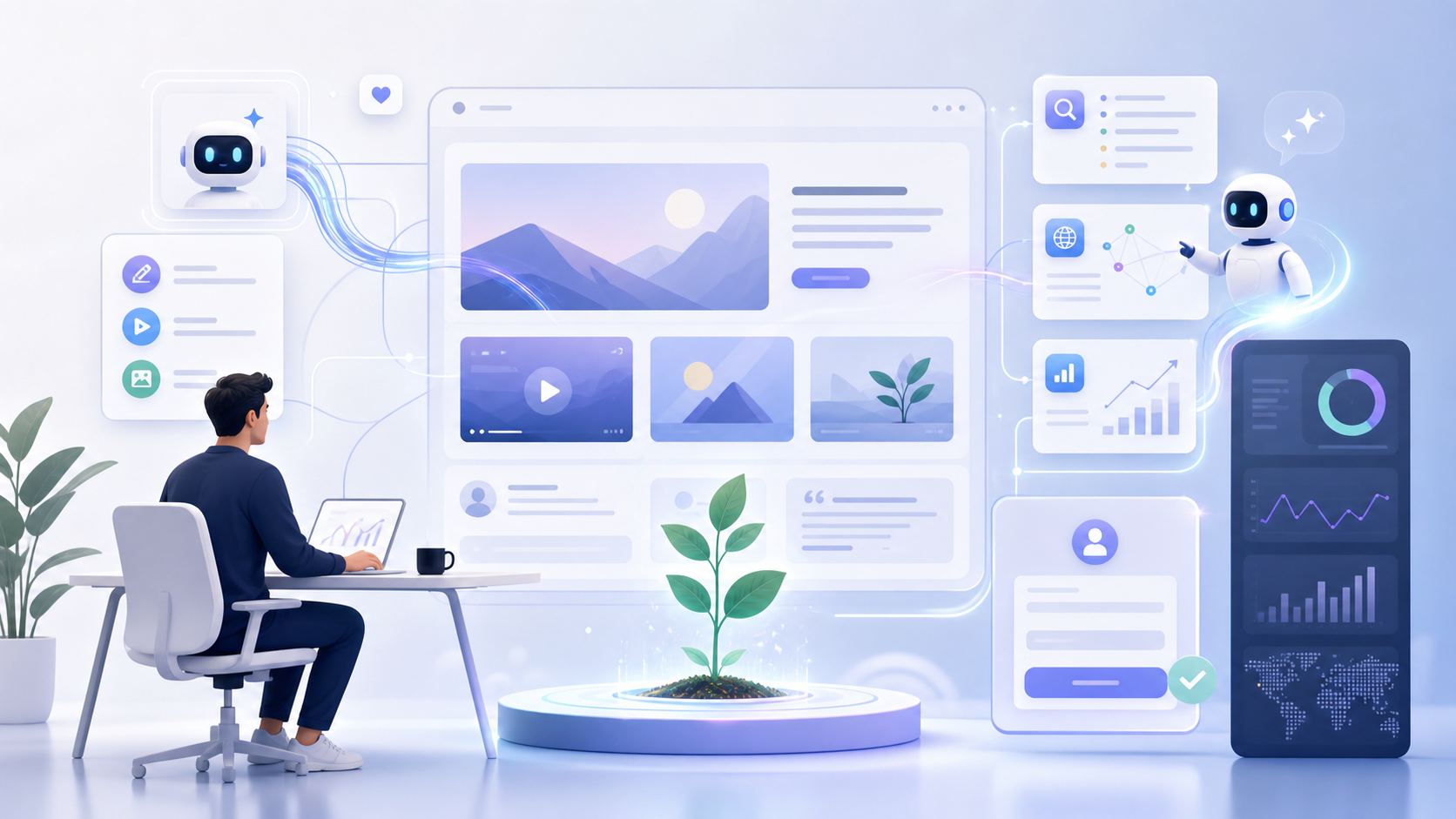
它更像是一个面向展示型网站的增长平台:
Build -> Showcase -> Grow -> Leads
当 AI Video 开始进入品牌官网,真正难的也不是“做出一条视频”。
现在做视频的工具越来越多。
真正难的是:
- 视频放在哪里?
- 它服务哪个页面目标?
- 它对应哪个关键词?
- 它能不能拆成 SEO 内容?
- 它能不能被 AI 推荐系统理解?
- 它后面有没有 CTA?
- 它有没有被数据监控?
- 它后续是否会持续优化?
这正是 We0 AI 可以承接的部分。
We0 AI 可以从官网结构、品牌信息、页面文案、上线配置、SEO/GEO 基础、内容发布、数据监控和增长复盘这些层面,帮用户把官网做成一个持续获客资产。
不是“有一个网站”就结束。
而是让网站持续展示你、解释你、被发现、被点击、被咨询。

一个更实际的 AI Video 官网落地顺序
如果你现在想把 AI Video 加进品牌官网,不建议一口气做大。
可以按这个顺序来:
- 先选一个最重要的转化页面
- 找出用户最容易卡住的理解点
- 做一条 20-45 秒解释型视频
- 给视频配标题、摘要、字幕和 FAQ
- 把视频嵌入页面关键位置
- 为视频后面接一个明确 CTA
- 监控点击、停留、滚动和线索变化
- 根据数据继续优化页面和内容
这比“做一支很贵的品牌大片”更现实。
也更符合 AI 时代的网站运营方式。
先让一个页面变强,再让整站变强。
FAQ
AI Video 适合所有品牌官网吗?
不一定。它更适合需要解释产品、服务、流程、案例和信任感的网站。如果你的网站只是一个极简单的信息页,视频未必是优先级最高的事。
AI Video 会不会拖慢网站速度?
会有风险。所以不建议直接塞大文件自动播放。更好的方式是使用轻量预览图、点击播放、外部视频托管、懒加载和合理压缩。
品牌官网视频应该多长?
大多数场景下,20 到 60 秒就够了。官网视频不是课程,也不是纪录片。它要解决一个明确问题。
AI 生成的视频会不会显得不专业?
关键不在于是不是 AI 生成,而在于脚本、节奏、画面一致性和页面位置。如果它能解释清楚价值,就比一张漂亮但没信息量的图更有用。
AI Video 和 SEO 有关系吗?
有。但前提是你要把视频内容结构化,比如标题、摘要、字幕、FAQ、相关页面和内链。否则搜索引擎和 AI 推荐系统不一定能充分理解它。
Related Tools
- We0 AI:用于搭建展示型网站,并持续连接 SEO/GEO、内容更新、数据监控和线索增长。
- Wistia:适合做官网视频托管和营销视频分析。
- Loom:适合快速录制产品演示和团队说明视频。
- Runway:适合生成和编辑 AI 视频素材。
- Descript:适合视频剪辑、字幕和内容再加工。
Sources
- Wyzowl Video Marketing Statistics
- HubSpot Marketing Statistics
- HubSpot Video Marketing Statistics
- SundaySky 2025 Video Marketing Statistics
友链 / 相关阅读 / 内链建议
- AI Website Builder vs Traditional Website Builder
- How to Build a Showcase Website That Converts
- What Is GEO and Why It Matters for Brand Websites
- SEO for AI Product Websites
- How We0 AI Helps Turn a Website Into a Lead Generation Asset
Ready to Build?
如果你已经有官网,但它只是“看起来还不错”,那下一步不一定是重做视觉。
也许你真正需要的是:让官网更会解释你,更容易被搜索和 AI 理解,更清楚地承接线索。
这正是 We0 AI 擅长的部分。
用 AI 更快搭建,用内容持续展示,用 SEO/GEO 增长,用线索验证价值。
Conclusion
AI Video 不会替代图片。
它会成为图片之后的新一层表达。
图片负责让用户看见你。
视频负责让用户更快理解你。
但真正的增长,发生在更后面:当视频被放进页面结构、SEO/GEO、内容资产和线索路径里,它才不只是一个素材,而是官网增长系统的一部分。
品牌官网的下一层竞争,不是页面更漂亮。
而是谁能更快被理解、更快被信任、更快把访问变成线索。
English Version

AI Video for Brand Websites: The Next Growth Layer After Images
A lot of brand websites do not have a design problem.
They have a stillness problem.
A hero image. A few product screenshots. Some polished copy. A CTA button. Everything looks complete. Sometimes it even looks professional.
But after a visitor scrolls through it, nothing really stays.
Images help people see what you are. Video helps people understand why they should trust you.
That is where AI video starts to matter for brand websites.
Not because every website needs to become flashy.
Not because we should add motion just for the sake of motion.
AI video is becoming the second layer of brand website communication:
The first layer is images. It shows.
The second layer is video. It explains, builds trust, and moves people toward action.
And this connects directly with the way We0 AI thinks about websites: Build -> Showcase -> Grow -> Leads.
Not just building a page.
But turning that page into something that can showcase, be understood by search and AI recommendation systems, and eventually generate leads.

Why the Image Layer Is No Longer Enough
For years, brand websites have been optimizing the first visual impression.
Better hero visuals. Cleaner product shots. More consistent design systems. More polished case study images.
All of that still matters.
But here is the problem: images help people see. They do not always help people understand.
Especially for these types of websites:
| Website Type | What Images Can Do | What Images Often Cannot Do |
|---|---|---|
| SaaS / AI product websites | Show interfaces and features | Explain how value actually happens |
| Agency / consulting websites | Show case studies and client logos | Communicate process, judgment, and trust |
| Creator / expert websites | Show work and credentials | Express personality, thinking, and point of view |
| B2B / export product websites | Show product appearance and specs | Explain use cases, buying reasons, differentiation |
| Local service websites | Show space and service items | Build comfort around the actual experience |
Images make a website look like a website.
Video can make it feel like a real business.
That difference matters.
Because when people visit a brand website, they are often not short of information.
They are short of confidence.
“Can I quickly understand you and trust you?”
That is the real question.
AI Video Does Not Replace Images. It Adds the Understanding Layer.
When people hear “AI video,” they often think about short-form social videos, ads, or brand films.
But inside a brand website, its role is different.
AI video on a website does not need to be long. It does not need to feel cinematic.
It works best as:
- A 30-second product explainer
- A 15-second feature demo
- A 45-second customer scenario
- A founder message
- A service process walkthrough
- A before-and-after case study clip
- A short FAQ answer
- A visual product use case animation
The job is not to entertain visitors. The job is to reduce the cost of understanding.
A visitor may not read an 800-word product section.
But they may watch a 25-second demo.
That is the growth value of video on a brand website: it lowers the barrier to understanding what you do.

Where Should AI Video Live on a Brand Website?
Do not start with, “We need a complete brand film.”
That usually makes the project too heavy.
A better starting point is to place AI video at key conversion moments.
1. Hero Section: Do Not Just Show a Big Image. Offer a Faster Way to Understand.
The first screen of a website usually contains a slogan and a visual.
For simple products, that may be enough.
For complex products or services, it often is not.
Keep the image. But add a lightweight video entry point:
“See how it works in 30 seconds.”
The point is not to force autoplay.
The point is to give visitors a lower-friction path to clarity.
2. Product or Service Sections: Show the Process, Not Just the Result
Images usually show the result.
A finished page. A product screenshot. A case study cover.
But visitors want to know:
- How does it work?
- How would I use it?
- How is it different from what I do now?
- How does the result happen step by step?
This is where short AI-generated demos work well.
A feature can be shown in three simple steps: problem -> action -> outcome.
That often converts better than stacking more feature bullets.
3. Case Study Pages: Turn Results Into a Repeatable Path
Many case studies read like award submissions.
Who the client was. What was delivered. What improved.
But the visitor is asking something else:
Does this have anything to do with my situation?
AI video can turn a case study into a path:
- Before: what problem existed
- Process: what changed in the page, content, SEO, or conversion path
- After: what improved
- Next: how growth continues
For websites built with We0 AI, this fits naturally.
We0 AI is not a one-off page delivery tool. It helps connect website building, showcasing, content, SEO/GEO, analytics, and lead capture into one ongoing growth loop.
4. FAQ Sections: Turn Repeated Questions Into Short Video Answers
FAQ does not have to be text-only.
Some questions come up again and again:
- Is this service right for me?
- How long does it take to build a website?
- How should I think about pricing?
- Can an AI-generated website really go live?
- Who handles SEO and content after launch?
Text can answer these questions.
But a 20-second video can often build more trust.
FAQ video is not about showing off. It is about reducing hesitation.

Why AI Video Becomes a Growth Layer
There is one thing to be clear about.
Video is not growth by itself.
Video is a stronger medium of explanation.
To become a real growth layer, it needs to connect with website structure, content, SEO, GEO, analytics, and lead capture.
Otherwise it is just a nice module.
A nice module is not the same thing as a growth asset.
From Showcase Asset to Search Asset
A website video should not only sit on the page as decoration.
It can also become:
- A video title
- A video summary
- Captions / transcript
- FAQ content
- Blog content
- Short social clips
- Product documentation entry points
- Structured information that search engines can understand
- Content that AI answer engines can reference
This is why brand websites now need to think about both SEO and GEO.
SEO helps search engines understand you.
GEO helps generative AI, answer engines, and recommendation systems understand you.
If a video is not turned into text, structure, and page content, much of its search and AI visibility value is lost.

Do Not Turn AI Video Into Website Decoration
This is a common mistake.
A brand creates a beautiful video and puts it on the homepage.
It looks premium.
But after watching it, the visitor still does not know what to do next.
So the better question is not:
“Should we add video?”
The better question is:
“Can this video help visitors make a decision faster?”
| Video Type | Problem It Should Solve | Conversion Action |
|---|---|---|
| Hero Explainer | Who you are and what problem you solve | Learn more / book a demo |
| Product Demo | How the feature works | Try / sign up / view feature page |
| Case Story | How the result happened | Read case study / request consultation |
| Founder Message | Why people should trust you | Follow / book a call |
| FAQ Video | Remove hesitation | Request quote / submit lead |
If there is no path after the video, it is just content.
If the video connects to page structure, SEO, CTA, forms, and review loops, it can become a growth layer.
What We0 AI Handles Is Not Just “Making a Video” — It Is Putting Video Into a Website Growth System
This brings us back to We0 AI.
We0 AI is not just a basic AI website builder.
And it is not only about generating a nice-looking page.
It is closer to a showcase website growth platform:
Build -> Showcase -> Grow -> Leads
As AI video enters brand websites, the hard part is not simply creating a video.
There are more video creation tools than ever.
The hard part is knowing:
- Where should the video go?
- Which page goal does it serve?
- Which keyword does it support?
- Can it become SEO content?
- Can AI recommendation systems understand it?
- Is there a CTA after it?
- Is performance being tracked?
- Will the page keep improving after launch?
That is where We0 AI fits.
We0 AI can help with website structure, brand information, page copy, launch setup, SEO/GEO basics, content publishing, analytics, and growth review.
The goal is not simply to “have a website.”
The goal is to have a website that keeps showcasing you, explaining you, getting discovered, getting clicked, and generating leads.

A Practical Rollout Plan for AI Video on a Brand Website
If you want to add AI video to your brand website, do not start too big.
Start like this:
- Pick one important conversion page
- Identify the point where visitors get stuck
- Create one 20-45 second explainer video
- Add a title, summary, captions, and FAQ around it
- Place it at the right moment on the page
- Connect it to a clear CTA
- Track clicks, scroll depth, watch behavior, and leads
- Improve the page and content based on what you learn
This is more realistic than producing an expensive brand film first.
And it fits the way websites need to operate in the AI era.
Make one page stronger first. Then make the whole site stronger.
FAQ
Is AI video right for every brand website?
Not always. It works best for websites that need to explain a product, service, process, case study, or trust signal. If your site is a very simple information page, video may not be the first priority.
Will AI video slow down my website?
It can. Avoid heavy autoplay files. Use lightweight previews, click-to-play behavior, external video hosting, lazy loading, and proper compression.
How long should a brand website video be?
For most website use cases, 20 to 60 seconds is enough. A website video is not a course or a documentary. It should solve one clear problem.
Will AI-generated video look unprofessional?
The key is not whether AI helped create it. The key is the script, pacing, visual consistency, and placement on the page. If it explains value clearly, it can be more useful than a beautiful image with no real information.
Does AI video help SEO?
Yes, but only if you structure it properly. Add titles, summaries, captions, FAQ content, related pages, and internal links. Otherwise search engines and AI answer systems may not fully understand it.
Related Tools
- We0 AI:Build showcase websites and connect them with SEO/GEO, content updates, analytics, and lead growth.
- Wistia:Host and analyze marketing videos on websites.
- Loom:Record quick product demos and team explainers.
- Runway:Generate and edit AI video assets.
- Descript:Edit videos, captions, transcripts, and repurpose content.
Sources
- Wyzowl Video Marketing Statistics
- HubSpot Marketing Statistics
- HubSpot Video Marketing Statistics
- SundaySky 2025 Video Marketing Statistics
Related Reading / Internal Link Suggestions
- AI Website Builder vs Traditional Website Builder
- How to Build a Showcase Website That Converts
- What Is GEO and Why It Matters for Brand Websites
- SEO for AI Product Websites
- How We0 AI Helps Turn a Website Into a Lead Generation Asset
Ready to Build?
If your website already looks fine but still feels quiet, the next step may not be a visual redesign.
Maybe what you need is a website that explains you better, gets understood by search and AI systems, and captures leads more clearly.
That is where We0 AI fits.
Build faster with AI. Showcase with content. Grow with SEO/GEO. Validate with leads.
Conclusion
AI video will not replace images.
It will become the next expression layer after images.
Images help visitors see you.
Video helps visitors understand you faster.
But real growth happens later: when video connects with page structure, SEO/GEO, content assets, and lead paths, it stops being just a media asset and becomes part of the website growth system.
The next competition for brand websites is not who has prettier pages.
It is who can be understood faster, trusted faster, and turn visits into leads faster.
Cover Images
Chinese Cover

English Cover

Image Asset List
- Chinese cover: https://we0-cms.oss-cn-beijing.aliyuncs.com/ai-upload/7ca18a81-858c-4fe5-9f67-498bed79ca09.png
- English cover: https://we0-cms.oss-cn-beijing.aliyuncs.com/ai-upload/a546886d-3910-4b2a-b098-2fc9eb188fe5.png
- Illustration 1: https://we0-cms.oss-cn-beijing.aliyuncs.com/ai-upload/fb9457a4-785b-498c-b7ba-4fa28f16e211.png
- Illustration 2: https://we0-cms.oss-cn-beijing.aliyuncs.com/ai-upload/8daca318-be56-48d5-8fc5-280689c3ddc5.png
- Illustration 3: https://we0-cms.oss-cn-beijing.aliyuncs.com/ai-upload/aa444d67-e0b6-4100-9f6f-6ed6806884a5.png
- Illustration 4: https://we0-cms.oss-cn-beijing.aliyuncs.com/ai-upload/7a6f9c71-cacf-4176-9190-f8a0d09dc52b.png
- Illustration 5: https://we0-cms.oss-cn-beijing.aliyuncs.com/ai-upload/f8a17c36-5963-4cfd-b242-952e2cb9a7b4.png